
Software
Microsoft Teams is revolutionizing modern classrooms by making collaboration, communication, and learning more interactive than ever. Discover how this powerful tool can streamline teaching, boost student engagement, and create seamless virtual and hybrid learning experiences.
Seamless Classroom Communication Hub
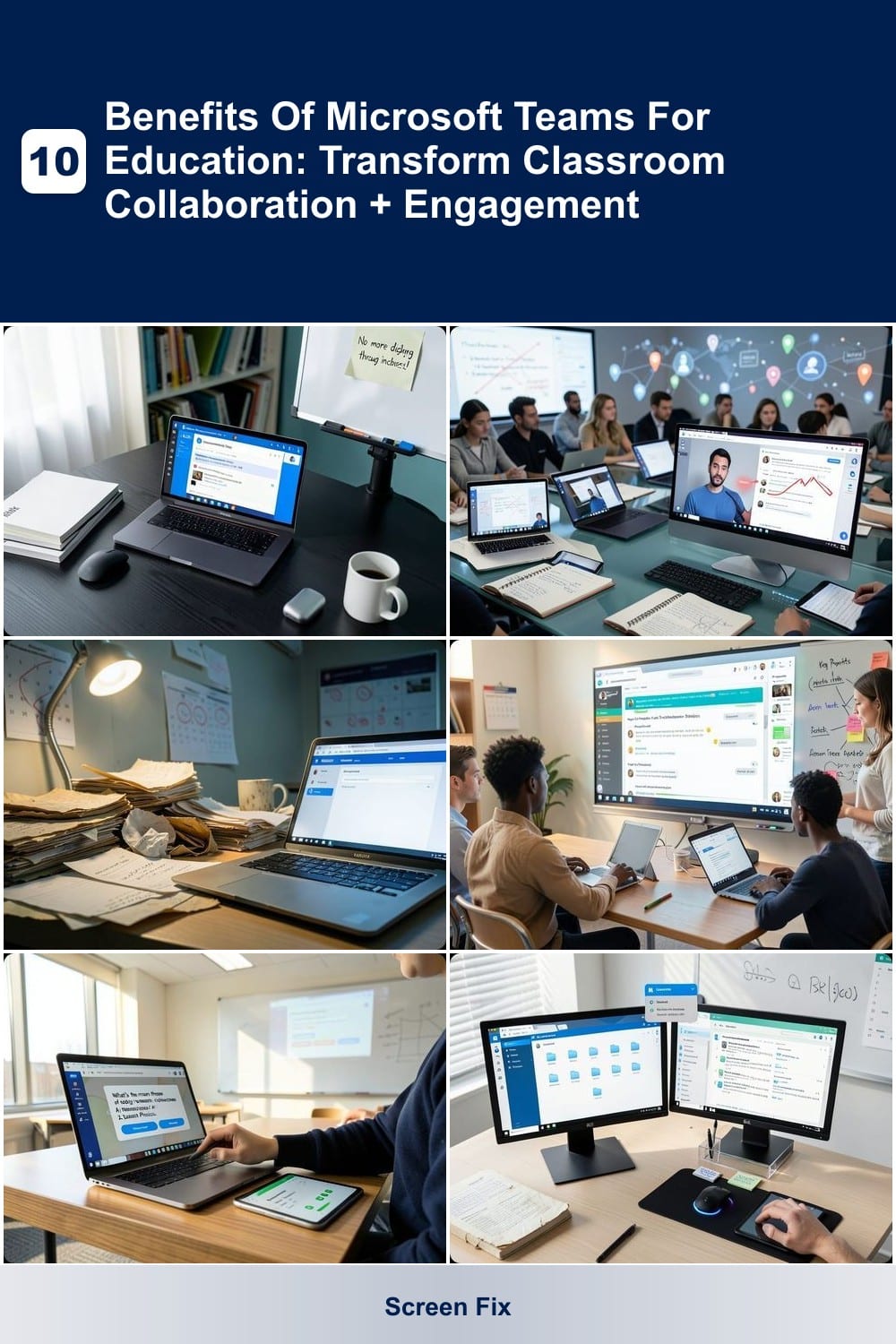
Tired of chasing down missed emails or hunting for lost announcements? Microsoft Teams’ Class Communication Hub consolidates every classroom update—homework reminders, event details, and urgent messages—into one searchable, real-time space. No more digging through cluttered inboxes; students and teachers stay on the same page with instant notifications and threaded conversations that keep discussions organized.
The @mention feature ensures critical messages stand out, while reminders and task lists help students track deadlines without relying on sticky notes. With shared channels for each class, teachers can pin important files, link to resources, and even create dedicated tabs for syllabi or project guidelines—all accessible from any device. The platform’s mobile app keeps everyone connected, whether they’re in the classroom or learning remotely.
This is the ideal solution for busy teachers juggling multiple classes and students who thrive on clear communication. Say goodbye to the chaos of scattered updates—hello to a classroom where everyone stays informed, engaged, and aligned. ⚡
Virtual And Hybrid Learning Support

Forget the limitations of traditional classrooms—Microsoft Teams turns every device into a virtual lecture hall. Whether your students are in the same room or spread across continents, the platform’s live lecture tools let you share your screen, annotate documents in real time, and even record sessions for later review. Breakout rooms divide students into smaller groups for discussions or collaborative problem-solving, while screen-sharing ensures every student sees presentations clearly—no more squinting at whiteboards.
The 4K@60Hz video support guarantees crisp visuals, while background blur keeps distractions minimal during hybrid lessons. Teachers can also use whiteboard tools to sketch diagrams live, and the attendance tracking feature ensures no student slips through the cracks. Plus, with mobile app support, students can join from tablets or phones, making participation effortless.
This is the perfect solution for AP teachers, college professors, or K-12 hybrid classrooms where flexibility is key. No more planning separate sessions—just one inclusive space where every student feels connected. 💻
Integrated Assignment And Grade Management

Endless stacks of papers and late-night grading sessions? Microsoft Teams’ Assignment feature turns those into a thing of the past. With just a few clicks, you can create, distribute, and collect assignments—all within the platform—while students submit work directly through the app.
The real magic happens with automated grading for quizzes and rubric-based assignments, cutting feedback time by up to 70%. Peer review assignments let students practice collaboration while teachers monitor progress in real time. Plus, integration with Microsoft Forms ensures seamless quiz creation and instant results—no extra logins or confusing interfaces.
Perfect for teachers juggling lesson plans and grading piles, this feature also empowers students with instant submission confirmations and clear feedback loops. Say goodbye to lost homework and hello to organized, stress-free workflows. ✨
Collaborative Class Projects Made Easy
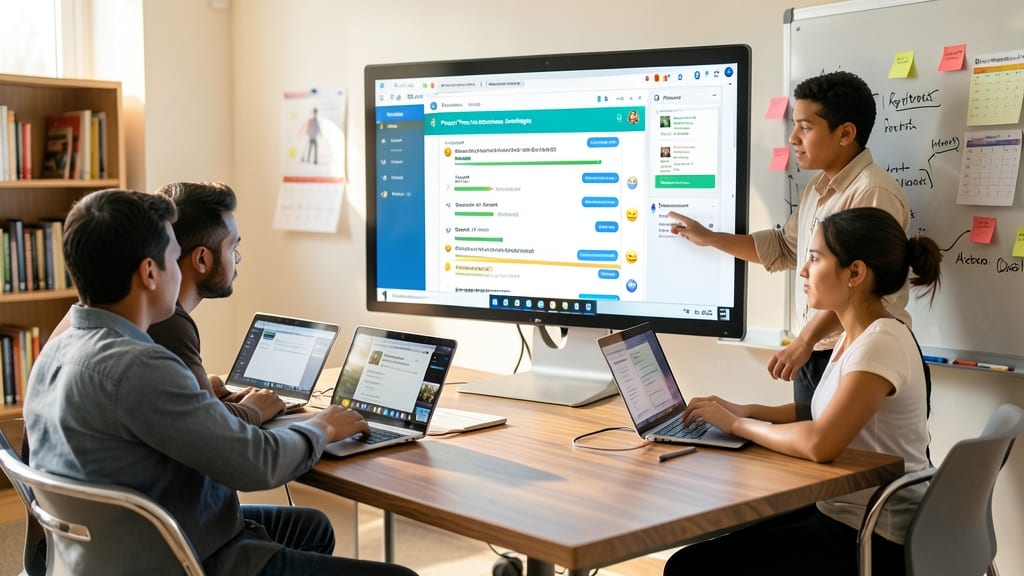
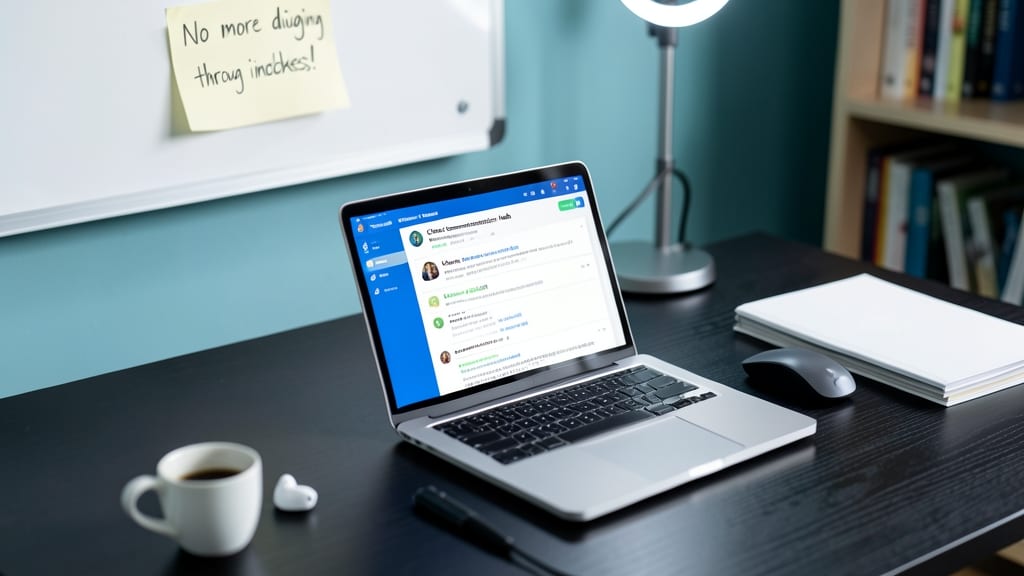
Forget the days of emailing drafts back and forth—Microsoft Teams turns group projects into a real-time brainstorming powerhouse. Shared channels let students co-edit documents, assign tasks, and track progress all in one place, just like professional teams collaborate in the workplace.
The Whiteboard tool lets students sketch ideas live, while integrated Office 365 apps (Word, Excel, PowerPoint) enable seamless co-authoring with version history. Teachers can even set deadlines and approval workflows to keep projects on track—no more "I forgot to send my part!" crises.
This is perfect for science fair teams, debate clubs, or capstone projects where multiple contributors need to stay aligned. Students learn collaboration skills that mirror real-world work environments—all while staying organized. ✨
Built-In Classroom Polls And Quizzes
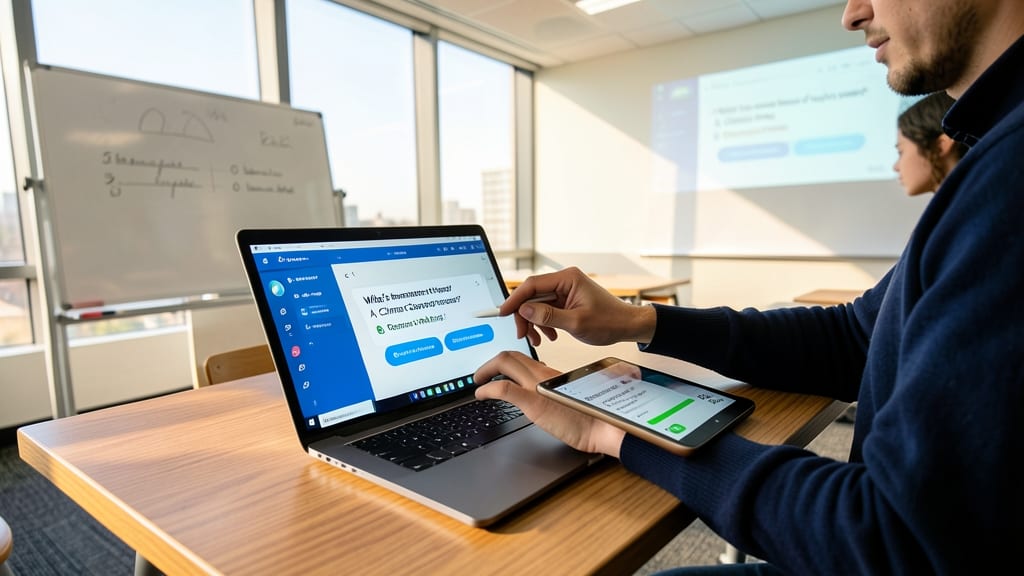
Turn passive learning into interactive moments with Microsoft Teams’ built-in polling and quiz tools—no extra apps or logins needed. Whether you’re checking for understanding mid-lesson or wrapping up with an exit ticket, these features work seamlessly within your existing classroom setup.
Create live polls with multiple-choice, word cloud, or rating options in seconds, then display real-time results on screen. For deeper engagement, use pop quizzes with instant feedback or exit tickets to assess comprehension before students leave. The Teams for Education version even includes grading analytics, so you can track participation trends without manual data entry.
Perfect for K-12 and higher ed instructors who want to blend tech with teaching—ideal for icebreakers, formative assessments, or even quick discussions. No setup headaches, just instant insights. ✨
Secure File Sharing And Storage
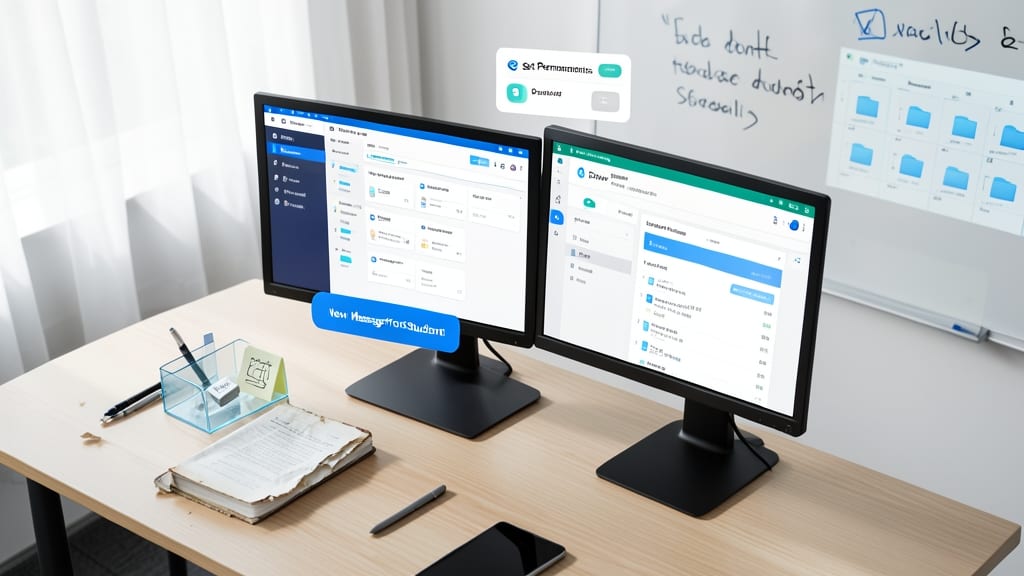
Say goodbye to lost flash drives and disorganized lesson plans—Microsoft Teams integrates OneDrive and SharePoint for a centralized, searchable storage solution that keeps everything from student projects to rubrics in one secure place.
With role-based permissions, you control who accesses what (e.g., parents view only approved materials, while students edit only their own files). Files sync automatically across devices, and version history ensures you never lose a draft. The 25TB storage included with Microsoft 365 Education gives schools ample room to grow without worrying about capacity.
This is especially valuable for teachers juggling multiple classes, as shared folders eliminate the chaos of physical paperwork or scattered email attachments. Perfect for educators who want peace of mind alongside seamless collaboration. ✨
Parent-Teacher Communication Bridge
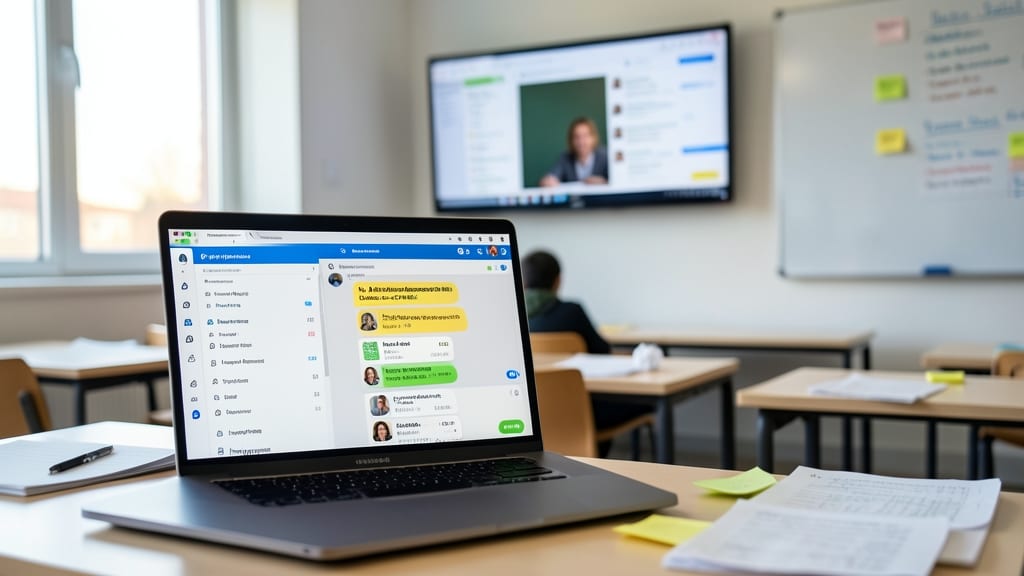
Tired of parents drowning in endless emails and missed announcements? Microsoft Teams’ dedicated parent channels solve that problem with a single, organized hub for all classroom updates.
Teachers can create private parent channels to share homework reminders, event details, and progress reports—all in one place. Guardians receive real-time notifications (no more lost emails) and can even join limited-access class discussions when needed. The @mention feature ensures urgent messages stand out, while file-sharing keeps important documents like syllabi and permission slips accessible 24/7.
This feature is a game-changer for busy parents juggling work and school life, ensuring they never miss critical updates without the clutter. 💡
Accessibility Features For All Learners
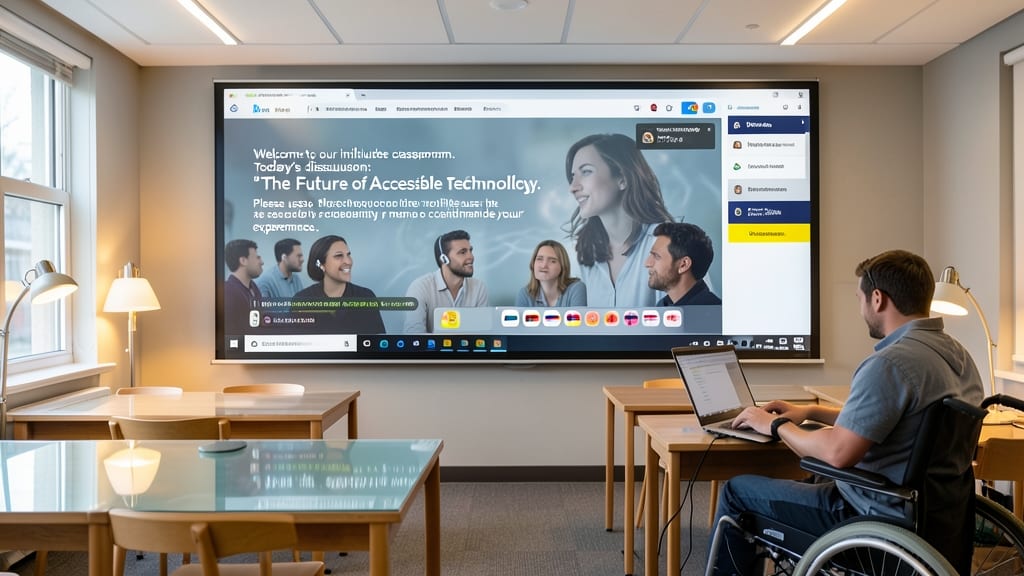
Every student deserves equal access to learning—but not every platform makes that easy. Microsoft Teams removes barriers with built-in accessibility tools that adapt to individual needs, ensuring no learner gets left behind.
The platform offers real-time live captions (with support for over 40 languages), screen reader compatibility (including JAWS and NVDA), and customizable text sizes (up to 200% zoom). Teachers can also enable high-contrast themes and keyboard shortcuts for faster navigation, while immersive reader mode simplifies complex texts by breaking them into digestible chunks.
Perfect for schools serving students with visual, auditory, or cognitive disabilities, these features turn inclusion from an ideal into a reality—no extra apps or complicated workarounds needed. ✨
Real-Time Classroom Analytics
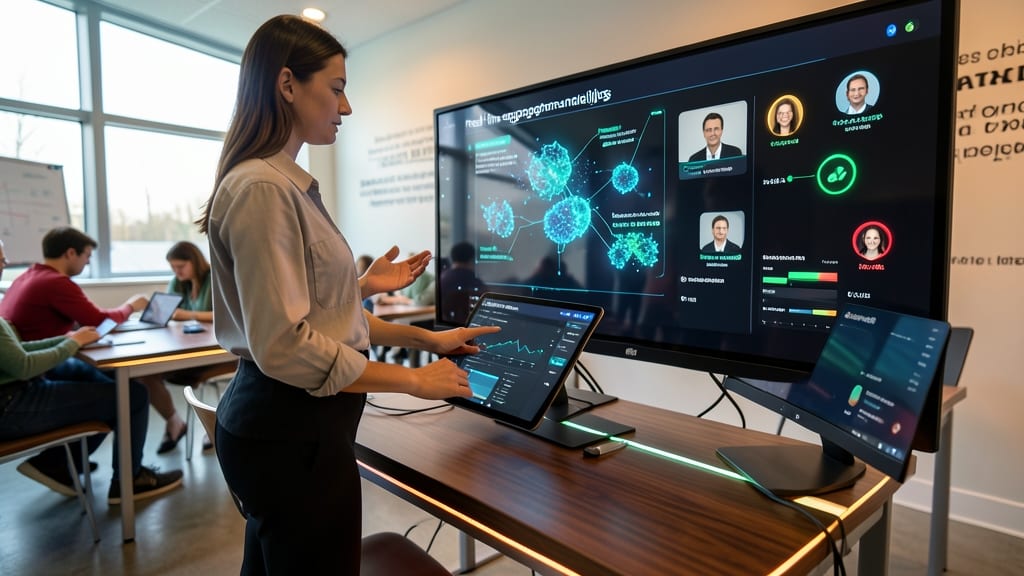
Teaching isn’t just about delivering lessons—it’s about understanding how students absorb them. Microsoft Teams’ real-time classroom analytics give educators a data-driven edge, tracking engagement metrics like participation rates, assignment completion, and even time spent on tasks.
With the Analytics dashboard, you can spot trends—like which students consistently submit work late or disengage during live sessions—and adjust instruction accordingly. The automated reports integrate seamlessly with Microsoft Forms and Teams assignments, so you’re not drowning in spreadsheets. For example, if three students always mute during discussions, you might schedule a check-in or switch to breakout rooms for smaller-group interaction.
This feature is a game-changer for special education teachers, hybrid classrooms, and large lecture halls where one-size-fits-all instruction falls short. No more guessing—just actionable insights to level up every student’s experience. ✨
Cost-Effective Solution For Schools
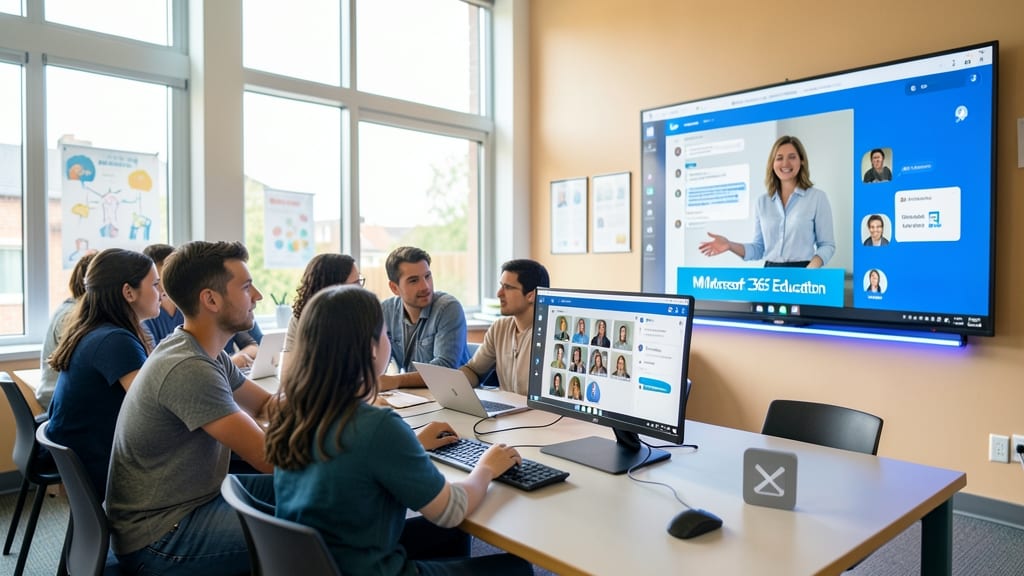
School budgets don’t need to stretch thin just to keep classrooms connected. With Microsoft 365 Education, eligible schools get Teams for free, complete with all the collaboration features you’ve seen—chat, video calls, file sharing, and more—without paying for third-party alternatives.
The zero-cost license includes full access to OneDrive storage (1TB per user), classroom integrations with Office 365, and enterprise-grade security like encryption and compliance tools. This means districts can ditch expensive tools like Zoom Pro or Google Workspace for Education without sacrificing functionality.
Ideal for K-12 schools and higher ed institutions, this benefit lets educators focus on teaching—not software subscriptions. 💻