Skip to content
Screen Fix

Screen Fix

  • All Articles
  • App
  • Coding
  • Excel
  • More
    • Hardware
    • Microsoft Office
    • Operating System
    • Outlook
    • PowerPoint
    • Review
    • Software
    • Tip & Trick
    • Troubleshooting
    • Windows

Tip & Trick

8 Best Sharepoint Tips for Beginners - Cyber Mate Official: Quick Wins to Master Your First Projects
October 13, 2026 by Stanley Rasmussen
8 Best Sharepoint Tips for Beginners - Cyber Mate Official: Quick Wins to Master Your First Projects

Mastering SharePoint can transform how you collaborate—but beginners often feel overwhelmed by its complexity. These eight essential tips cut through the noise, offering practical shortcuts to boost productivity and…
Read more

Categories Tip & Trick

Choose Privacy Settings for Your Device: Step-by-Step Security Shield for Your Data

November 17, 2026 by Stanley Rasmussen
Choose Privacy Settings for Your Device: Step-by-Step Security Shield for Your Data

Before I even learned to choose privacy settings for the device, my first lesson in digital privacy came at twelve when my grandmother’s Windows 95 machine slowed to a crawl after a "free" game download—turns out, it was…

Read more

Categories Tip & Trick

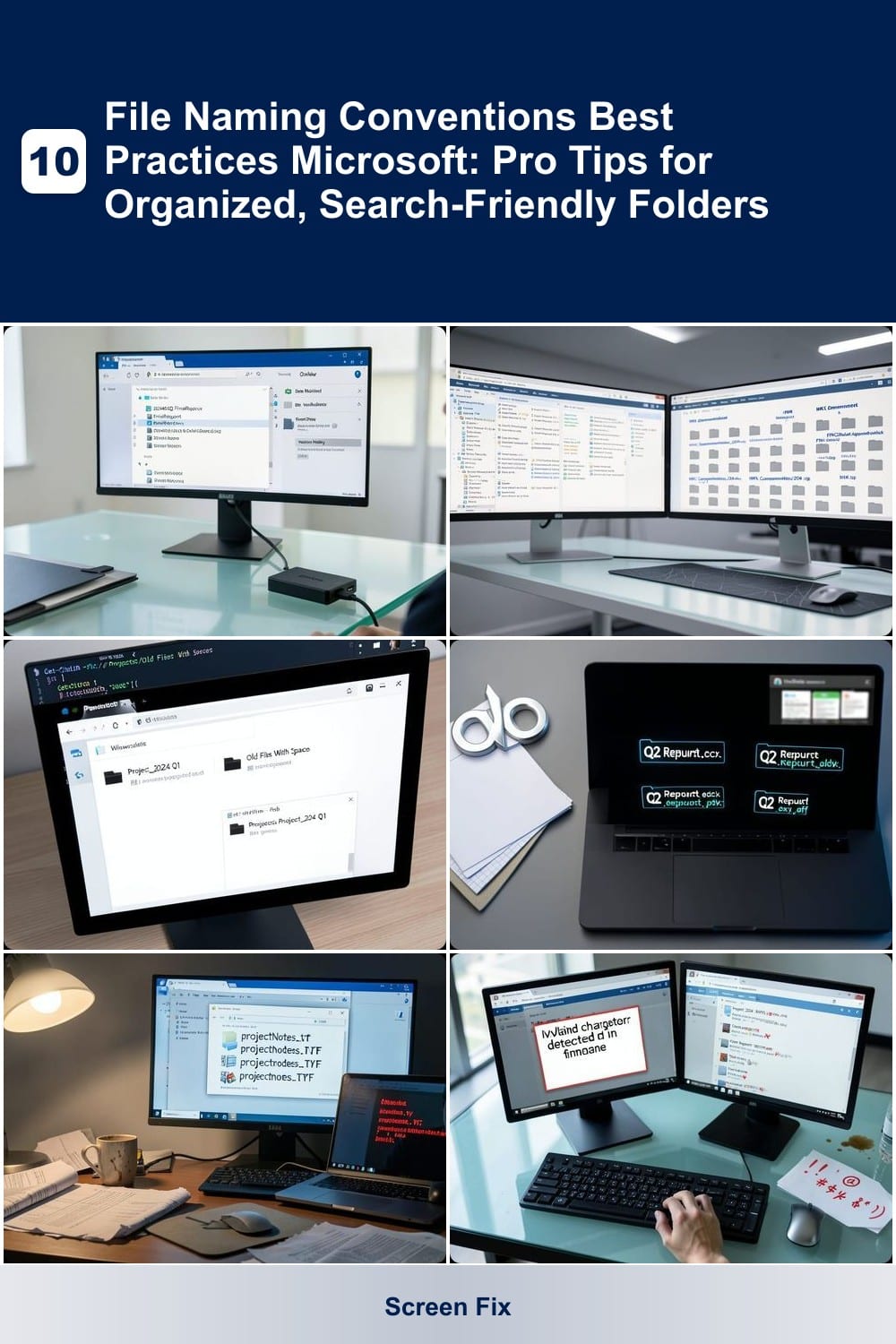
File Naming Conventions Best Practices Microsoft: Pro Tips for Organized, Search-Friendly Folders

October 13, 2026 by Stanley Rasmussen
File Naming Conventions Best Practices Microsoft: Pro Tips for Organized, Search-Friendly Folders

Struggling to find files in your Microsoft ecosystem? Poor naming conventions waste hours annually. These seven file naming best practices ensure instant searchability, seamless collaboration, and frustration-free…

Read more

Categories Tip & Trick

How to Activate Microsoft 365 on Mac: Seamless Setup in Minutes

November 18, 2026 by Stanley Rasmussen
How to Activate Microsoft 365 on Mac: Seamless Setup in Minutes

Activating Microsoft 365 on your Mac is easier than you'd think—especially when you know the platform-specific quirks. ✨ I’ve helped dozens of Mac users (including my dad, who swore he’d never switch from Windows) get up…

Read more

Categories Tip & Trick

How to Add a Calculated Control in Microsoft Access: Step-by-Step Precision for Dynamic Forms

November 20, 2026 by Stanley Rasmussen
How to Add a Calculated Control in Microsoft Access: Step-by-Step Precision for Dynamic Forms

Adding a calculated control in Access transforms static forms into dynamic powerhouses—something I first discovered when building inventory systems for small shops. ✨ The process starts with a blank form, but by the end…

Read more

Categories Tip & Trick

How to Add a Logo to a Video: Brand Your Clips Like a Pro in Minutes

November 24, 2026 by Stanley Rasmussen
How to Add a Logo to a Video: Brand Your Clips Like a Pro in Minutes

Adding a logo to your video used to require expensive software and hours of editing. ✨ I’ve done this for clients big and small—from local Denver businesses to national brands—and the process now takes minutes, even for…

Read more

Categories Tip & Trick

How to Assign Resources in MS Project: Visual Workflow for Balanced Team Loads

November 20, 2026 by Stanley Rasmussen
How to Assign Resources in MS Project: Visual Workflow for Balanced Team Loads

Assigning resources in MS Project feels like orchestrating a symphony—except instead of violins, you're juggling team members, budgets, and deadlines. ✨ I’ve spent countless hours perfecting this workflow, and the key is…

Read more

Categories Tip & Trick

Xbox Purchase Blocking: Parental Controls That Actually Work

November 24, 2026 by Stanley Rasmussen
Xbox Purchase Blocking: Parental Controls That Actually Work

Blocking Xbox purchases took me from panicked parent to confident guardian in under 10 minutes. ⚡ The key is Microsoft Family Safety, which works across consoles, apps, and even mobile devices—no separate accounts…

Read more

Categories Tip & Trick

Boot Surface Pro From USB: Forced Reset Without Data Loss

November 19, 2026 by Stanley Rasmussen
Boot Surface Pro From USB: Forced Reset Without Data Loss

Booting your Surface Pro from USB just saved me from a bricked device last month—no data lost, just a fresh start. ✨ The trick is knowing Surface’s hidden shortcuts: hold Volume Up while pressing the power button, then…

Read more

Categories Tip & Trick

How To Change Font On Mac: System-Wide Customization in Minutes

October 15, 2026 by Stanley Rasmussen
How To Change Font On Mac: System-Wide Customization in Minutes

Changing your Mac’s font used to mean digging through hidden menus—until Apple made it shockingly simple. ✨ I’ve helped friends customize their systems for years, and the process now takes less than five minutes once you…

Read more

Categories Tip & Trick
Page1Page2Page3…Page10Next →

About Me

Stanley Rasmussen

Stanley Rasmussen
My first computer was a hand-me-down 486 with a floppy drive that always ate disks. I spent more time staring at the blinking cursor than actually using it, but that curiosity never faded. Now, I run Screen Fix to help people navigate the ever-changing world of tech—whether it’s troubleshooting a stubborn PC, mastering a new tool, or just figuring out why your printer won’t stop jamming. I believe tech should feel approachable, not intimidating, and I’m here to make it that way.

Learn more

Recent Posts

  • Text Color Change Tutorial: Instant Styling for Any Platform
    Text Color Change Tutorial: Instant Styling for Any Platform
  • Windows 7 Program Won’t Uninstall: Forced Removal Without Lingering Files
    Windows 7 Program Won’t Uninstall: Forced Removal Without Lingering Files
  • Internet Explorer Download for Windows 10: Direct Offline Installer Guide
    Internet Explorer Download for Windows 10: Direct Offline Installer Guide
  • How to Automatically Download Outlook Pictures: One-Click Save for Every Email Attachment
    How to Automatically Download Outlook Pictures: One-Click Save for Every Email Attachment
  • How to Download Music to My Windows Phone: Legal Loopholes for DRM-Free Playlists
    How to Download Music to My Windows Phone: Legal Loopholes for DRM-Free Playlists
  • All Guides
  • About
  • Contact
  • Privacy Policy
  • Cookie Policy
  • Terms of Use
© 2026 screenfix.click