Skip to content
Screen Fix

Screen Fix

  • All Articles
  • App
  • Coding
  • Excel
  • More
    • Hardware
    • Microsoft Office
    • Operating System
    • Outlook
    • PowerPoint
    • Review
    • Software
    • Tip & Trick
    • Troubleshooting
    • Windows

PowerPoint

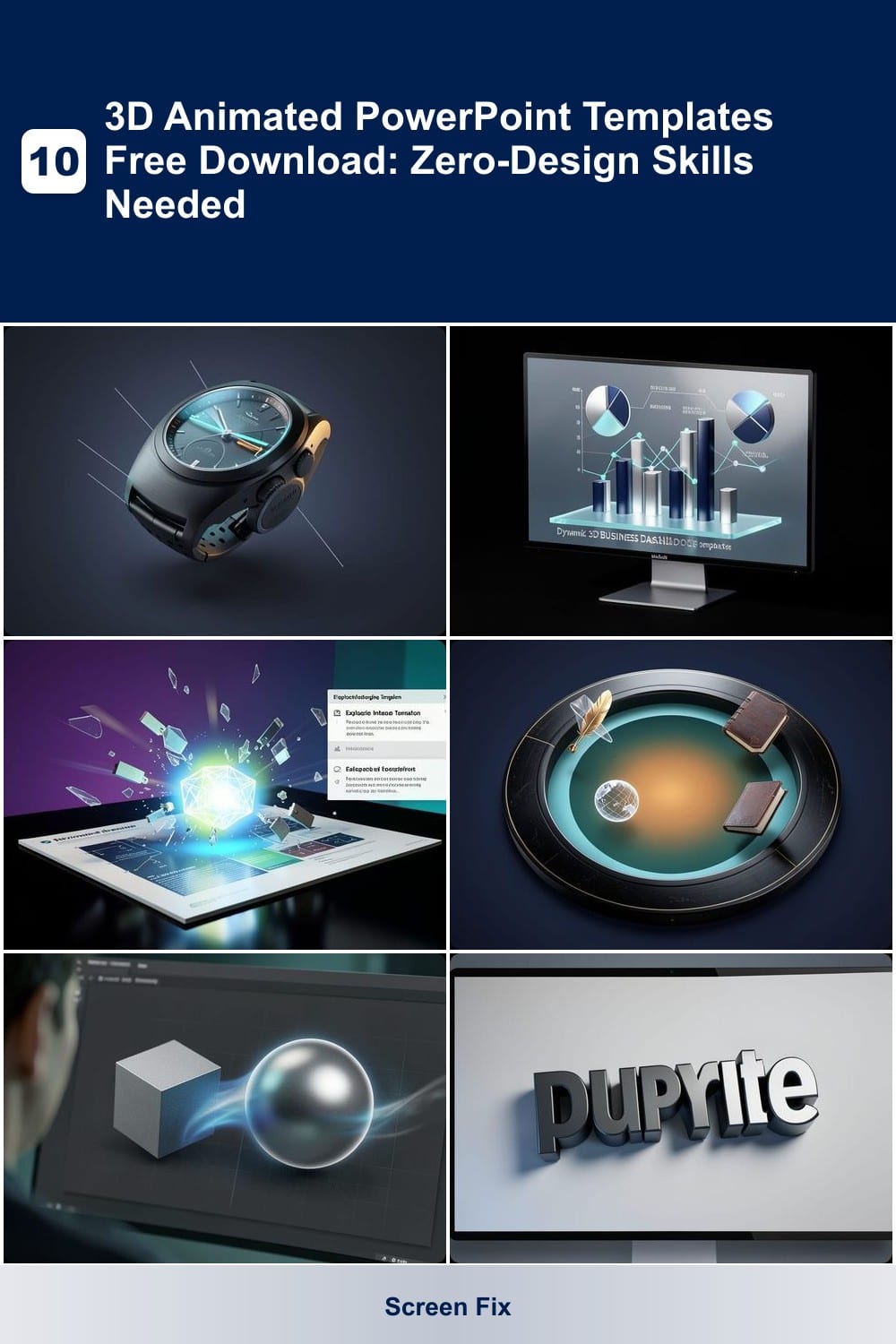
10 3D Animated PowerPoint Templates Free Download: Zero-Design Skills Needed
October 11, 2026 by Stanley Rasmussen
10 3D Animated PowerPoint Templates Free Download: Zero-Design Skills Needed

Struggling to create eye-catching presentations without design skills? These 10 free 3D animated PowerPoint templates let you add professional motion effects, depth, and visual impact with just a few clicks—no advanced…
Read more

Categories PowerPoint

Can You Share a PowerPoint for Editing: Free Templates With Customization Tips

October 9, 2026 by Stanley Rasmussen
Can You Share a PowerPoint for Editing: Free Templates With Customization Tips

💥 Quick Answer You can share a PowerPoint for editing through cloud platforms like OneDrive, Google Drive, or Microsoft SharePoint, enabling real-time collaboration where multiple users can edit simultaneously. For…

Read more

Categories PowerPoint

How to Add 3d Models in Powerpoint: Embedding Step-by-Step Without Plugins

November 17, 2026 by Stanley Rasmussen
How to Add 3d Models in Powerpoint: Embedding Step-by-Step Without Plugins

To add 3D models in PowerPoint, you don’t need plugins—just the built-in tools in PowerPoint 2016 or later. ✨ I’ve embedded hundreds of 3D models in presentations for clients, and the process is simpler than most assume…

Read more

Categories PowerPoint

How to Add a Slide to an Existing Powerpoint Presentation: Instant Insert Without Losing Formatting

October 10, 2026 by Stanley Rasmussen
How to Add a Slide to an Existing Powerpoint Presentation: Instant Insert Without Losing Formatting

Adding a slide to an existing PowerPoint presentation is one of those tasks that should take seconds, but often feels like a puzzle. ⚡ I’ve spent hours watching colleagues fumble with the interface, only to realize they…

Read more

Categories PowerPoint

How to Add Footer in Powerpoint: Step-by-Step Visual Guide for Busy Professionals

October 15, 2026 by Stanley Rasmussen
How to Add Footer in Powerpoint: Step-by-Step Visual Guide for Busy Professionals

Adding a footer in PowerPoint saves you from manually typing the same info on every slide—something I learned the hard way after wasting an hour formatting a 50-slide presentation. The process is shockingly simple once…

Read more

Categories PowerPoint

How to Add Sound Effects to PowerPoint: Instant Engagement With Built-In Audio Tools

November 19, 2026 by Stanley Rasmussen
How to Add Sound Effects to PowerPoint: Instant Engagement With Built-In Audio Tools

To add sound effects to PowerPoint, you don’t need fancy software—just the built-in tools most people overlook. ✨ I’ve used this trick for client presentations where silence made the visuals feel flat, and suddenly…

Read more

Categories PowerPoint

How to Connect Boxes in PowerPoint: Drag-and-Drop Animation Made Simple

November 19, 2026 by Stanley Rasmussen
How to Connect Boxes in PowerPoint: Drag-and-Drop Animation Made Simple

Connecting boxes in PowerPoint doesn’t have to feel like solving a puzzle blindfolded. ✨ I’ve helped dozens of coworkers turn messy diagrams into clean, professional flowcharts—starting with the right tools. The key is…

Read more

Categories PowerPoint

How to Convert Powerpoint to Pdf: Quick Fix for Perfect Output Every Time

October 15, 2026 by Stanley Rasmussen
How to Convert Powerpoint to Pdf: Quick Fix for Perfect Output Every Time

Converting PowerPoint to PDF doesn’t have to be a guessing game—my method guarantees clean, professional output every time. ✨ I’ve spent years troubleshooting these conversions, and the right approach saves hours of…

Read more

Categories PowerPoint

How to Convert Text to Wordart in Powerpoint: Stylish Text Effects in Minutes

October 10, 2026 by Stanley Rasmussen
How to Convert Text to Wordart in Powerpoint: Stylish Text Effects in Minutes

Converting text to WordArt in PowerPoint turns ordinary words into eye-catching designs in under two minutes . ✨ I still remember the first time I used it to make a presentation pop—it was at a Microsoft training where…

Read more

Categories PowerPoint

How to Copy Background in PowerPoint: Instant Slide Continuity Without Losing Design

November 24, 2026 by Stanley Rasmussen
How to Copy Background in PowerPoint: Instant Slide Continuity Without Losing Design

Copying a background in PowerPoint just got easier than ever—no more redesigning every slide from scratch. ✨ I remember wasting hours manually recoloring backgrounds in presentations back in 2008, so when I discovered…

Read more

Categories PowerPoint
Page1Page2Page3…Page5Next →

About Me

Stanley Rasmussen

Stanley Rasmussen
My first computer was a hand-me-down 486 with a floppy drive that always ate disks. I spent more time staring at the blinking cursor than actually using it, but that curiosity never faded. Now, I run Screen Fix to help people navigate the ever-changing world of tech—whether it’s troubleshooting a stubborn PC, mastering a new tool, or just figuring out why your printer won’t stop jamming. I believe tech should feel approachable, not intimidating, and I’m here to make it that way.

Learn more

Recent Posts

  • Text Color Change Tutorial: Instant Styling for Any Platform
    Text Color Change Tutorial: Instant Styling for Any Platform
  • Windows 7 Program Won’t Uninstall: Forced Removal Without Lingering Files
    Windows 7 Program Won’t Uninstall: Forced Removal Without Lingering Files
  • Internet Explorer Download for Windows 10: Direct Offline Installer Guide
    Internet Explorer Download for Windows 10: Direct Offline Installer Guide
  • How to Automatically Download Outlook Pictures: One-Click Save for Every Email Attachment
    How to Automatically Download Outlook Pictures: One-Click Save for Every Email Attachment
  • How to Download Music to My Windows Phone: Legal Loopholes for DRM-Free Playlists
    How to Download Music to My Windows Phone: Legal Loopholes for DRM-Free Playlists
  • All Guides
  • About
  • Contact
  • Privacy Policy
  • Cookie Policy
  • Terms of Use
© 2026 screenfix.click