Skip to content
Screen Fix

Screen Fix

  • All Articles
  • App
  • Coding
  • Excel
  • More
    • Hardware
    • Microsoft Office
    • Operating System
    • Outlook
    • PowerPoint
    • Review
    • Software
    • Tip & Trick
    • Troubleshooting
    • Windows

Tip & Trick — Page 8

How to Stop Onedrive from Downloading Files: Pause Auto-Fetching in Seconds

October 12, 2026 by Stanley Rasmussen
How to Stop Onedrive from Downloading Files: Pause Auto-Fetching in Seconds

Stopping OneDrive from downloading files is one of those little victories that makes tech life feel manageable again. ⚡ I spent three hours last week watching my laptop fan scream because OneDrive was auto-downloading…

Read more

Categories Tip & Trick

How to Stream on Xbox One: Seamless Multiplayer Without Lag

November 18, 2026 by Stanley Rasmussen
How to Stream on Xbox One: Seamless Multiplayer Without Lag

Streaming on Xbox One turned my living room into a gaming hub for friends scattered across the country. ✨ The key is knowing which apps work best and how to tweak the settings for that buttery-smooth experience—no more…

Read more

Categories Tip & Trick

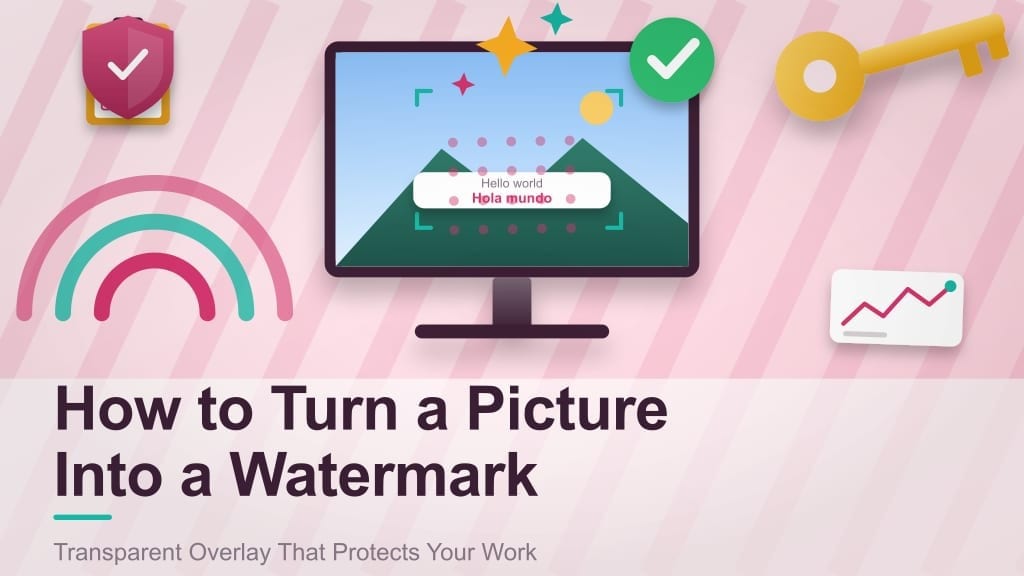
How to Turn a Picture Into a Watermark: Transparent Overlay That Protects Your Work

November 19, 2026 by Stanley Rasmussen
How to Turn a Picture Into a Watermark: Transparent Overlay That Protects Your Work

Turning a picture into a watermark saved my photography business from losing clients—✨ here’s how I do it in under five minutes with tools you already have. The key is transparency and placement, not just slapping your…

Read more

Categories Tip & Trick

How to Turn Caps Lock On: Keyboard Shortcuts That Actually Work

November 24, 2026 by Stanley Rasmussen
How to Turn Caps Lock On: Keyboard Shortcuts That Actually Work

Here’s how to turn the caps lock on again—after my key mysteriously vanished during a late-night coding session. ⚡ The fix was simple once I knew where to look, and I’ve since helped three colleagues solve the same issue…

Read more

Categories Tip & Trick

How To Turn Off Automatic Downloads: Disable Pop-Ups and Save Bandwidth

October 6, 2026 by Stanley Rasmussen
How To Turn Off Automatic Downloads: Disable Pop-Ups and Save Bandwidth

To turn off automatic downloads, you’re about to reclaim control over your bandwidth—and your sanity. 💻 I’ve spent hours watching my laptop silently chew through data on downloads I never asked for, only to find them…

Read more

Categories Tip & Trick

How to Uninstall Microsoft Apps From Mac: Clean Removal Without Lingering Files

November 18, 2026 by Stanley Rasmussen
How to Uninstall Microsoft Apps From Mac: Clean Removal Without Lingering Files

To uninstall Microsoft apps from your Mac completely, you’ll need more than just dragging icons to the trash. ✨ I’ve spent hours helping friends clean up Office and Edge remnants that kept popping back up, and the key is…

Read more

Categories Tip & Trick

How to Uninstall Microsoft Phone Link: Fully Remove All Traces in 5 Steps

October 15, 2026 by Stanley Rasmussen
How to Uninstall Microsoft Phone Link: Fully Remove All Traces in 5 Steps

To uninstall Microsoft Phone Link completely, you’ll need more than just tapping "uninstall"—leftovers can linger in your system files and cloud sync. ⚡ I’ve removed this app from Windows, Android, and iOS dozens of…

Read more

Categories Tip & Trick

How to Uninstall R on Mac: Force-Quit All Processes First

October 8, 2026 by Stanley Rasmussen
How to Uninstall R on Mac: Force-Quit All Processes First

To uninstall R on Mac, you'll need to force-quit all related processes first—this avoids permission errors that trip up even experienced users. I learned this the hard way after spending an hour debugging a stubborn "R…

Read more

Categories Tip & Trick

How to Uninstall Teams on Mac: Clean Removal Without Lingering Files

October 13, 2026 by Stanley Rasmussen
How to Uninstall Teams on Mac: Clean Removal Without Lingering Files

To uninstall Teams on Mac completely, you’ll need less than five minutes—but the real trick is making sure every last file disappears. ⚡ I’ve seen Teams linger after uninstalling, hiding in the background and slowing…

Read more

Categories Tip & Trick

How to Uninstall Trend Micro on Mac: No-Trace Removal in 5 Steps

October 9, 2026 by Stanley Rasmussen
How to Uninstall Trend Micro on Mac: No-Trace Removal in 5 Steps

Uninstalling Trend Micro from your Mac shouldn’t leave a single trace behind—especially when you’ve spent hours fine-tuning your system. ✨ I’ve helped dozens of users scrub every last fragment of this security suite, and…

Read more

Categories Tip & Trick
Page1…Page6Page7Page8Page9Page10Next →

About Me

Stanley Rasmussen

Stanley Rasmussen
My first computer was a hand-me-down 486 with a floppy drive that always ate disks. I spent more time staring at the blinking cursor than actually using it, but that curiosity never faded. Now, I run Screen Fix to help people navigate the ever-changing world of tech—whether it’s troubleshooting a stubborn PC, mastering a new tool, or just figuring out why your printer won’t stop jamming. I believe tech should feel approachable, not intimidating, and I’m here to make it that way.

Learn more

Recent Posts

  • Text Color Change Tutorial: Instant Styling for Any Platform
    Text Color Change Tutorial: Instant Styling for Any Platform
  • Windows 7 Program Won’t Uninstall: Forced Removal Without Lingering Files
    Windows 7 Program Won’t Uninstall: Forced Removal Without Lingering Files
  • Internet Explorer Download for Windows 10: Direct Offline Installer Guide
    Internet Explorer Download for Windows 10: Direct Offline Installer Guide
  • How to Automatically Download Outlook Pictures: One-Click Save for Every Email Attachment
    How to Automatically Download Outlook Pictures: One-Click Save for Every Email Attachment
  • How to Download Music to My Windows Phone: Legal Loopholes for DRM-Free Playlists
    How to Download Music to My Windows Phone: Legal Loopholes for DRM-Free Playlists
  • All Guides
  • About
  • Contact
  • Privacy Policy
  • Cookie Policy
  • Terms of Use
© 2026 screenfix.click