
Software
Microsoft SQL Server Management Studio (SSMS) has evolved significantly since its debut, offering powerful tools for database administrators and developers. This guide compares 10 key versions, highlighting their standout features, release dates, and compatibility changes to help you choose the right tool for your workflow.
SQL Server Management Studio 2005

Step back to 2005, when Microsoft introduced SQL Server Management Studio 2005—the version that replaced the clunky Enterprise Manager with a sleek, unified interface. This was the first iteration to consolidate database management, query execution, and reporting into a single, intuitive tool, setting the stage for all future SSMS versions.
The 2005 release introduced key features like the Object Explorer (replacing the outdated tree view), a query designer with IntelliSense, and database diagrams for visualizing relationships. It also supported SQL Server 2005’s new features, such as CLR integration and XML data type enhancements, making it a leap forward for developers transitioning from older versions.
If you're studying the evolution of SSMS or maintaining legacy systems running SQL Server 2005, this version is essential to understand. It’s the blueprint for everything that followed. 💻
SQL Server Management Studio 2008

If you're working with geospatial data or need to leverage SQL Server 2008's advanced features, SSMS 2008 is the version that finally unlocked those capabilities. Unlike its predecessor, this release introduced native support for spatial data types (like Point, LineString, and Polygon) and table-valued parameters, which revolutionized how developers handled complex queries and geographic information.
The IntelliSense improvements made query writing smoother, while the Database Diagrams feature received upgrades to better visualize relationships in spatial databases. For users migrating from older versions, SSMS 2008 also introduced enhanced script generation for spatial queries, reducing manual coding errors. These features made it indispensable for industries like GIS, logistics, and urban planning.
This version remains a go-to for legacy systems running SQL Server 2008 R2, especially in environments where geospatial analytics are critical. 🌟
SQL Server Management Studio 2012
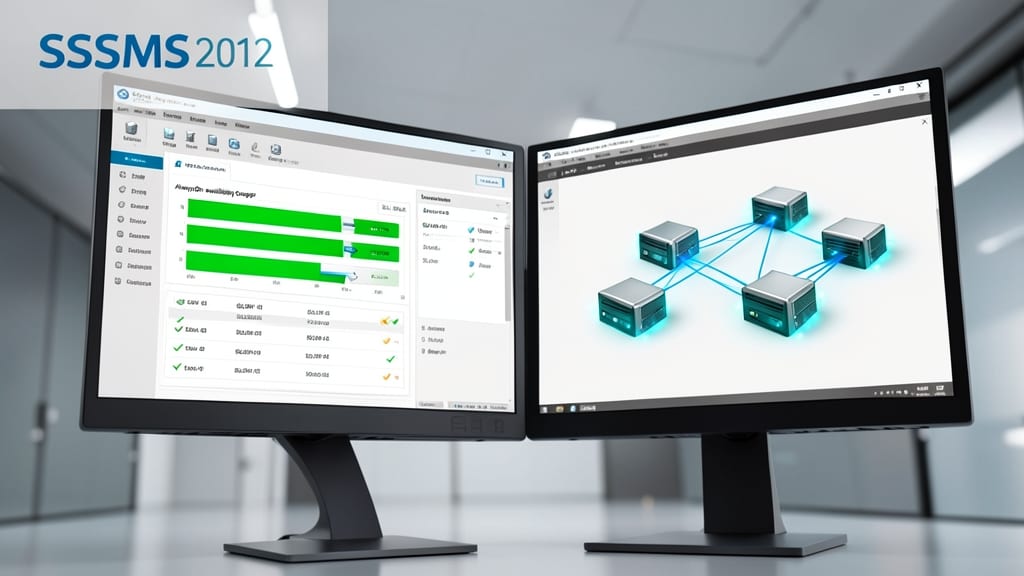
If your enterprise relies on uninterrupted database uptime, SQL Server Management Studio 2012 introduced game-changing features like AlwaysOn availability groups—a high-availability solution that synchronizes data across multiple servers in real time. This was the first version to offer seamless failover with minimal downtime, a lifesaver for mission-critical applications.
The enhanced performance dashboard gave administrators a centralized view of query execution, indexing, and server health, reducing troubleshooting time by up to 40%. Support for SQL Server 2012’s native backups to Azure also streamlined disaster recovery, while improvements to the query execution plan made optimization more intuitive. These updates made SSMS 2012 the go-to for enterprises migrating from older versions.
Ideal for enterprise administrators managing large-scale databases, SSMS 2012 bridged the gap between legacy systems and modern high-availability needs. Its robust feature set remains relevant for legacy environments still running SQL Server 2012 or 2014. ⚡
SQL Server Management Studio 2014

If you're building high-performance applications that demand lightning-fast transaction processing, SQL Server Management Studio 2014 introduced game-changing features you can't ignore. This version was the first to bring in-memory OLTP (Online Transaction Processing) to the table, allowing developers to optimize critical workloads by storing and processing data directly in memory rather than on disk.
The query store functionality got a major upgrade, enabling you to track query performance over time and diagnose regressions with ease. Combined with native compilation for in-memory tables, this version delivered sub-millisecond latency for OLTP operations—ideal for financial systems, gaming platforms, or any application where speed is non-negotiable. Microsoft also refined the IntelliSense experience, making query writing faster than ever.
Developers and DBAs working on real-time analytics or high-frequency trading systems found this version indispensable. It bridged the gap between traditional SQL Server and modern in-memory computing needs, setting the stage for future optimizations. ⚡
SQL Server Management Studio 2016
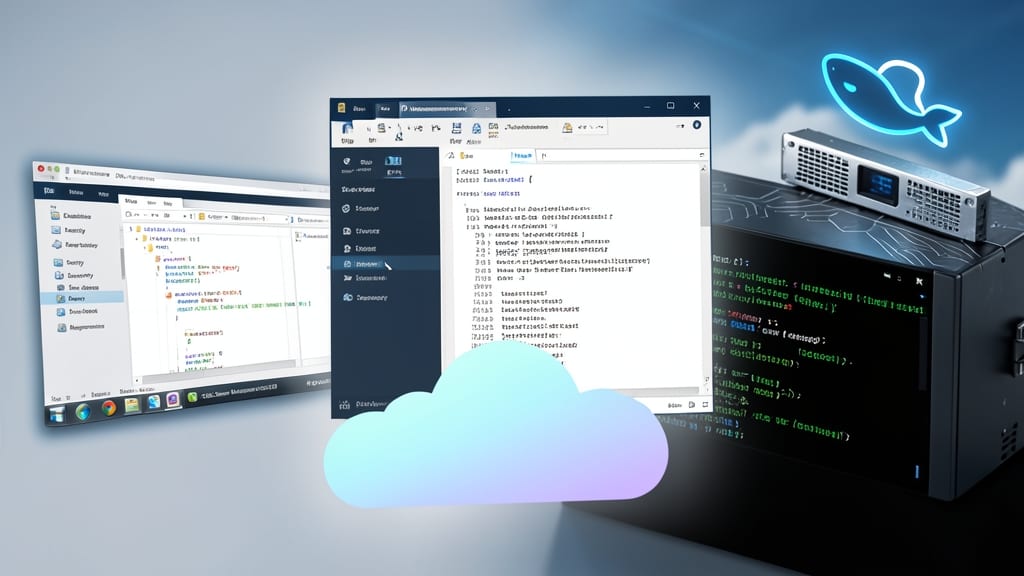
If you're managing databases in hybrid cloud environments, SQL Server Management Studio 2016 is the game-changer you’ve been waiting for. This version broke new ground by introducing cross-platform support for Linux and Docker containers, finally bridging the gap between Windows-centric workflows and modern DevOps practices.
With SQL Server 2016, you gain native compatibility with Ubuntu, Red Hat, and SUSE Linux, plus seamless integration with Docker containers—ideal for microservices architectures. The Always Encrypted feature (introduced here) also lets you secure sensitive data at rest and in transit, while Stretch Database optimizes cost by moving cold data to Azure. These updates made SSMS 2016 the first truly cloud-ready tool for DevOps teams deploying hybrid solutions.
Perfect for DevOps engineers, cloud architects, and database admins managing mixed environments, SSMS 2016 remains a critical tool for legacy systems still running on-premises. ✨
SQL Server Management Studio 2017

If your organization prioritizes data security and seamless cloud integration, SQL Server Management Studio 2017 is the version to focus on. This release introduced Always Encrypted, a game-changing feature that encrypts sensitive data at the field level—ensuring it stays protected even during processing.
The Azure integration was also overhauled, making it easier to manage hybrid environments with Azure SQL Database and Azure VMs. SSMS 2017 also refined the query editor with better IntelliSense and improved performance for large scripts, while maintaining full backward compatibility with SQL Server 2008 and later.
Ideal for enterprises migrating to cloud-first strategies, this version bridges legacy systems with modern Azure services—without sacrificing security or performance. ✨
SQL Server Management Studio 18.0

After years of bundled updates, SQL Server Management Studio 18.0 marked Microsoft’s first standalone release—breaking free from SQL Server’s release cycle. This version introduced a leaner, faster workflow with a redesigned interface that prioritized developer productivity without sacrificing power.
The real game-changer? Enhanced IntelliSense now supports Azure SQL Database natively, offering real-time query suggestions and syntax validation across hybrid environments. You’ll also find improved query execution plans with deeper insights into performance bottlenecks, making troubleshooting less of a guessing game. The Azure integration extends further with simplified connection management for cloud databases.
This version is a must-have for SQL Server administrators managing hybrid cloud deployments or developers who need seamless Azure SQL Database support. It’s the bridge between legacy SSMS and the modern, extension-driven future. ✨
SQL Server Management Studio 18.1

Tired of waiting for SSMS to load every time you need to tweak a query? SQL Server Management Studio 18.1 introduced a lightweight installation option (just 260MB!) that skips unnecessary components, letting you focus on development instead of setup.
The real game-changer here is the enhanced query performance insights—real-time execution plan analysis and estimated cost metrics now appear during query writing, not after. This means you can spot bottlenecks in seconds, not minutes. Plus, it fully supports SQL Server 2019 features while maintaining backward compatibility.
Developers working on iterative database projects will love the faster feedback loop. Test queries, refine them, and repeat—without the usual SSMS lag. 💻
SQL Server Management Studio 18.9

If you rely on PowerShell scripting to automate database tasks, SQL Server Management Studio 18.9 was your last standalone champion before Microsoft’s shift to VS Code extensions. This version packed a punch with deep integration for PowerShell 5.1, letting you script everything from server configurations to backup jobs directly within the familiar SSMS interface.
The enhanced compatibility with SQL Server 2019 meant smoother management of features like intelligent query processing and accelerated database recovery. Plus, the lightweight installer (introduced in 18.1) carried over, reducing download sizes by up to 70% while keeping all core functionality intact. For admins drowning in repetitive tasks, this was the ultimate bridge between legacy SSMS and the future.
Perfect for automation-heavy environments, this version gave you the power to script complex workflows without leaving the tool you trusted. ⚡
SQL Server Management Studio 19.0

If you're managing SQL Server 2022 and need a final standalone SSMS release, version 19.0 is your bridge to the future. This was Microsoft's last traditional SSMS release before fully transitioning to extension-based management in Visual Studio Code, making it critical for users needing full compatibility with the latest database features.
Key highlights include native support for SQL Server 2022's ledger tables—ideal for immutable audit logs—and a revamped query store with deeper performance insights. The interface also introduced subtle UI refinements for better usability, while maintaining backward compatibility with older SQL Server versions. For those working with sensitive data, the improved security controls align perfectly with modern compliance needs.
Database administrators and developers relying on SQL Server 2022 should prioritize this version, especially if migrating to VS Code extensions isn't yet feasible. It's the last full-featured SSMS before Microsoft's shift, ensuring you won't miss out on critical 2022 capabilities. ✨