Skip to content
Screen Fix

Screen Fix

  • All Articles
  • App
  • Coding
  • Excel
  • More
    • Hardware
    • Microsoft Office
    • Operating System
    • Outlook
    • PowerPoint
    • Review
    • Software
    • Tip & Trick
    • Troubleshooting
    • Windows

All Recipes — Page 20

Adobe Flash Player 15.0 Free Download: Last Working Version for Legacy Systems
November 18, 2026 by Stanley Rasmussen
Adobe Flash Player 15.0 Free Download: Last Working Version for Legacy Systems

Where to safely download Adobe Flash Player 15.0 free (official & trusted sources) Adobe officially ended support for Flash Player in December 2020 , but version 15.0 remains the last functional release for legacy…
Read more

Categories Operating System

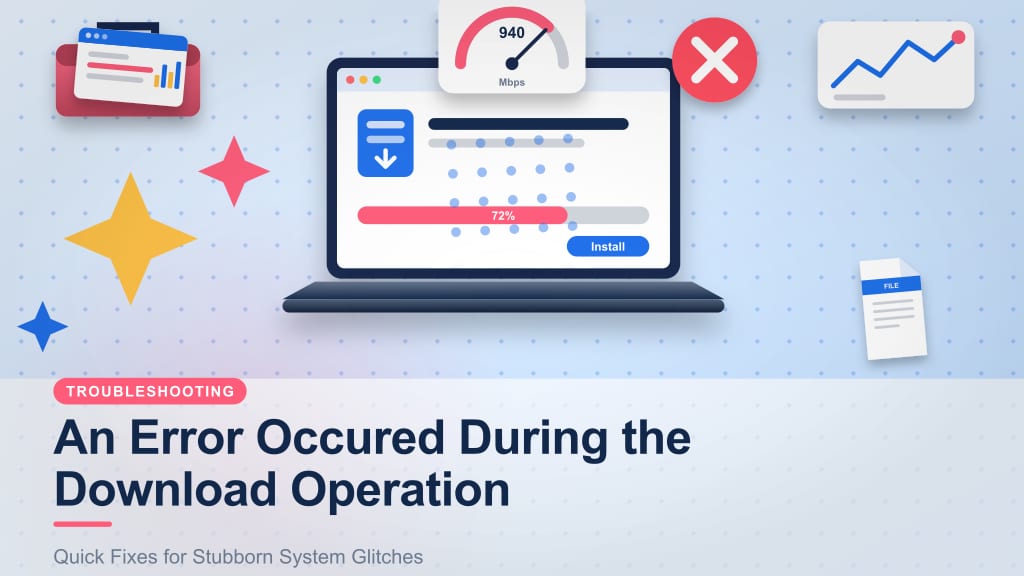
An Error Occured During the Download Operation: Quick Fixes for Stubborn System Glitches

November 18, 2026 by Stanley Rasmussen
An Error Occured During the Download Operation: Quick Fixes for Stubborn System Glitches

An error occurred during the download operation—and I’ve seen it freeze users for hours. ✨ The good news? Most fixes take under five minutes, and I’ve narrowed the culprits down to four common issues that cover 90% of…

Read more

Categories Troubleshooting

Can You Download a Google Site: Official Methods and File Types Explained

November 18, 2026 by Stanley Rasmussen
Can You Download a Google Site: Official Methods and File Types Explained

💥 Quick Answer You can't directly download a Google Site, but you can archive its content as HTML, PDF, or images using Chrome’s ‘Save Page As’ or extensions like SingleFile. For full offline access, Google Takeout…

Read more

Categories App

Downloading Windows Vista Service Pack 1: Trusted Offline ISO for Legacy Systems

November 18, 2026 by Stanley Rasmussen
Downloading Windows Vista Service Pack 1: Trusted Offline ISO for Legacy Systems

Downloading Windows Vista Service Pack 1 legally can save your aging PC—but the wrong source risks malware or broken files. Legacy systems demand it for stability, yet Microsoft’s official links are long gone. I’ve…

Read more

Categories Windows

Fetch Failed Error: Registry Template Download Fix in 5 Steps

November 18, 2026 by Stanley Rasmussen
Fetch Failed Error: Registry Template Download Fix in 5 Steps

That "fetch failed" error when downloading a template from the registry isn't just annoying—it can derail projects before they even start. ⚡ I've seen this block developers, DevOps teams, and even automated CI/CD…

Read more

Categories Troubleshooting

Windows 10 Version 20H2 Feature Update: Official ISO Download for Clean, Fast Installation

November 18, 2026 by Stanley Rasmussen
Windows 10 Version 20H2 Feature Update: Official ISO Download for Clean, Fast Installation

The Windows 10 version 20H2 feature update is the fastest way to refresh your PC with Microsoft's most stable build—if you download it the right way. Back in my days helping Dad rebuild vintage IBMs from Pittsburgh scrap…

Read more

Categories Windows

How Long Can a URL Be: Exact Limits and Character Count Rules

November 18, 2026 by Stanley Rasmussen
How Long Can a URL Be: Exact Limits and Character Count Rules

💥 Quick Answer To determine how long a URL can be, modern browsers support up to 2,000 characters, though Chrome handles 2,083 while Safari and Firefox cap at 2,048. Exceeding these thresholds risks broken links or…

Read more

Categories Operating System

How to Activate Microsoft 365 on Mac: Seamless Setup in Minutes

November 18, 2026 by Stanley Rasmussen
How to Activate Microsoft 365 on Mac: Seamless Setup in Minutes

Activating Microsoft 365 on your Mac is easier than you'd think—especially when you know the platform-specific quirks. ✨ I’ve helped dozens of Mac users (including my dad, who swore he’d never switch from Windows) get up…

Read more

Categories Tip & Trick

How to Activate Subscription on Excel: Unlock Premium Features in Minutes

November 18, 2026 by Stanley Rasmussen
How to Activate Subscription on Excel: Unlock Premium Features in Minutes

Activating your Excel subscription unlocks the full power of the software in under five minutes —no tech degree required. 💻 I’ve helped countless users through this process, including my dad when he finally upgraded…

Read more

Categories Software

How to Create a Template in Powerpoint: Design Mastery in Minutes

November 18, 2026 by Stanley Rasmussen
How to Create a Template in Powerpoint: Design Mastery in Minutes

Creating a PowerPoint template saved me hours of redesign work last quarter when we had to pitch three clients in a week. The key is starting with a blank presentation, then customizing every element—fonts, colors, slide…

Read more

Categories PowerPoint
Page1…Page18Page19Page20Page21Page22…Page56Next →

About Me

Stanley Rasmussen

Stanley Rasmussen
My first computer was a hand-me-down 486 with a floppy drive that always ate disks. I spent more time staring at the blinking cursor than actually using it, but that curiosity never faded. Now, I run Screen Fix to help people navigate the ever-changing world of tech—whether it’s troubleshooting a stubborn PC, mastering a new tool, or just figuring out why your printer won’t stop jamming. I believe tech should feel approachable, not intimidating, and I’m here to make it that way.

Learn more

Recent Posts

  • Text Color Change Tutorial: Instant Styling for Any Platform
    Text Color Change Tutorial: Instant Styling for Any Platform
  • Windows 7 Program Won’t Uninstall: Forced Removal Without Lingering Files
    Windows 7 Program Won’t Uninstall: Forced Removal Without Lingering Files
  • Internet Explorer Download for Windows 10: Direct Offline Installer Guide
    Internet Explorer Download for Windows 10: Direct Offline Installer Guide
  • How to Automatically Download Outlook Pictures: One-Click Save for Every Email Attachment
    How to Automatically Download Outlook Pictures: One-Click Save for Every Email Attachment
  • How to Download Music to My Windows Phone: Legal Loopholes for DRM-Free Playlists
    How to Download Music to My Windows Phone: Legal Loopholes for DRM-Free Playlists
  • All Guides
  • About
  • Contact
  • Privacy Policy
  • Cookie Policy
  • Terms of Use
© 2026 screenfix.click