
Software
Working with dates and times across systems requires precision. These 10 globally recognized formats ensure compatibility in databases, APIs, and applications, saving developers hours of debugging and cross-platform headaches.
ISO 8601 Standard Date Format
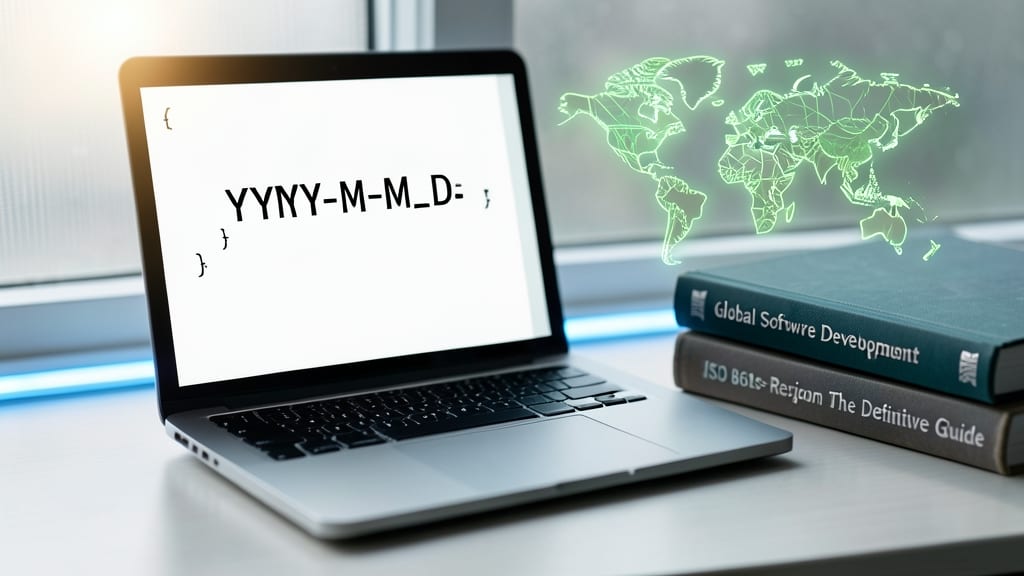
If you’ve ever struggled with date parsing errors in global applications, ISO 8601 is the solution you’ve been missing. This internationally recognized standard uses the YYYY-MM-DD format, ensuring dates sort chronologically by default and eliminating ambiguity between regions (no more guessing whether "02/03/2023" means February 3rd or March 2nd).
At its core, ISO 8601 extends beyond dates to include time (HH:MM:SS) and timezones (±HH:MM or Z for UTC), making it perfect for APIs, logs, and databases. For example, 2023-10-15T14:30:00Z clearly represents October 15, 2023, at 2:30 PM UTC. Most programming languages—Python’s datetime.isoformat(), JavaScript’s toISOString(), and PHP’s DateTime::ATOM—generate or parse this format natively, reducing cross-platform headaches.
Ideal for developers building international systems, this format is the default choice for modern web services, financial systems, and scientific data—where clarity and consistency matter most. ✨
RFC 2822 Email Date Format
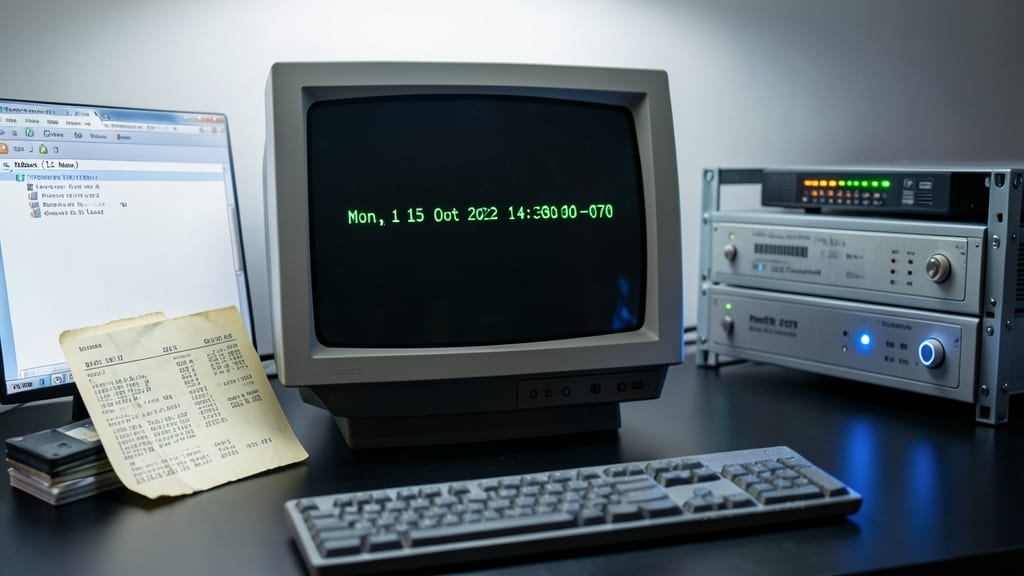
If your application relies on email—whether for notifications, transactions, or legacy systems—you can’t afford to overlook RFC 2822. This standard defines email timestamps like "Mon, 15 Oct 2023 14:30:00 -0700", ensuring seamless compatibility with SMTP servers and legacy email clients (think Outlook 2010 or Gmail’s parsing logic). Unlike ISO 8601, RFC 2822 includes timezone offsets and full weekday/month names, making it the only format universally recognized by email infrastructure.
The format breaks down into five key components: weekday (Mon), day (15), month (Oct), year (2023), time (14:30:00), and timezone (-0700). This structure prevents parsing errors when emails traverse different servers or time zones. For example, Python’s email.utils.formatdate() generates RFC 2822 timestamps automatically, while libraries like Nodemailer (Node.js) enforce it for outgoing emails.
Developers maintaining email APIs, transactional systems, or archival tools (like legal document workflows) should prioritize RFC 2822 to avoid delivery delays or client-side rendering issues. It’s the invisible glue keeping inboxes functional across decades of tech. 🔧
Unix Timestamp (Epoch Time)
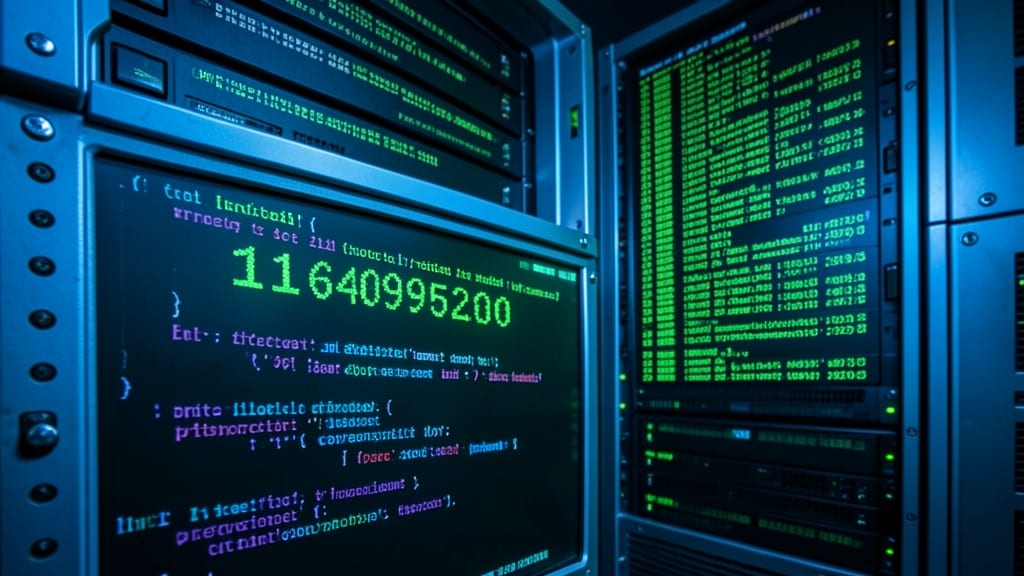
When your backend needs to crunch numbers faster than a human can blink, Unix timestamps are the silent workhorse. Representing time as seconds since January 1, 1970 (UTC), this format powers everything from server logs to caching systems, where precision matters more than readability.
At its core, a Unix timestamp is a single integer (e.g., 1697382400 = October 15, 2023) that eliminates timezone confusion and simplifies calculations. In Linux/Unix systems, tools like date +%s generate these values, while programming languages (Python’s time.time(), JavaScript’s Date.now()) handle conversions effortlessly. This format shines in database indexing, session expiration logic, and distributed system synchronization—where milliseconds can mean the difference between success and failure.
Perfect for developers working with high-performance backends or legacy Unix systems, where human-readable dates would slow down critical operations. ⚡
SQL Date and Time Formats

When your application interacts with databases, the wrong date format can turn a simple query into a debugging nightmare. Unlike generic standards, SQL databases demand precise syntax like 'YYYY-MM-DD HH:MI:SS' to avoid parsing errors and ensure compatibility across MySQL, PostgreSQL, and SQL Server.
This format supports microseconds (e.g., '2023-10-15 14:30:45.123456') and integrates natively with functions like DATEFORMAT() in MySQL or TOCHAR() in PostgreSQL. For timezones, use 'YYYY-MM-DD HH:MI:SS±HH:MI' (e.g., '2023-10-15 14:30:00+00:00'), which aligns with ISO 8601 while avoiding ambiguity in cross-database queries.
Perfect for backend developers and data analysts working with relational databases, this format ensures your timestamps sync flawlessly between applications and storage layers. ⚡
JavaScript Date Object Format
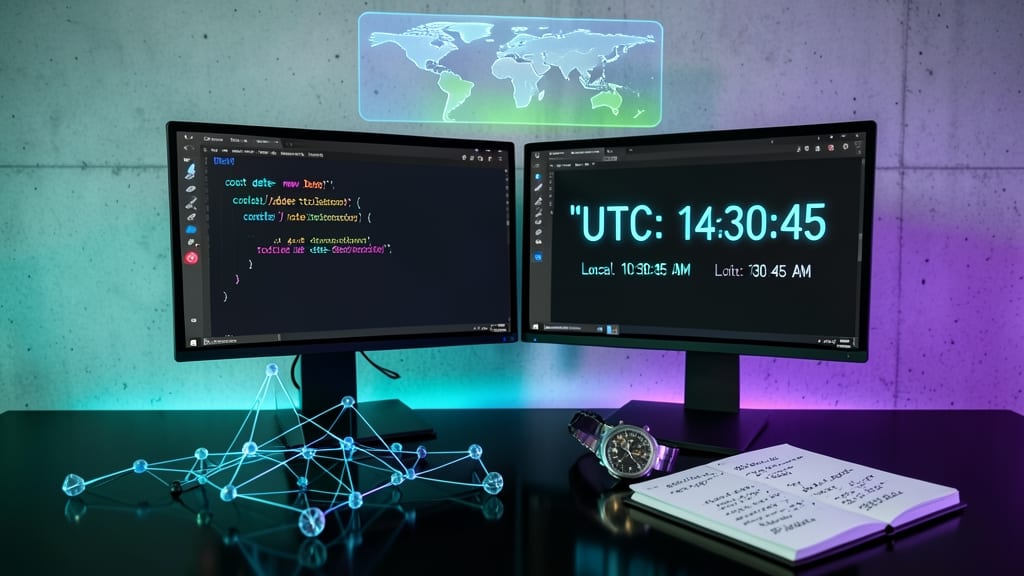
If you're building web apps where frontend and backend need to sync dates seamlessly, JavaScript's built-in Date object is your secret weapon. Unlike static formats, it dynamically handles timezones and conversions with methods like toISOString() (UTC) or toLocaleDateString() (localized).
The Date object automatically accounts for daylight saving time and regional settings, so you never have to manually adjust for "March 12, 2023" vs. "March 13, 2023" in different timezones. Pair it with Intl.DateTimeFormat for user-friendly displays like "October 15, 2023" or "15/10/2023" without extra libraries.
Perfect for full-stack developers who need to match API responses (ISO format) with user-facing dates (localized format) in a single project. ⚡
Excel Date Serial Number
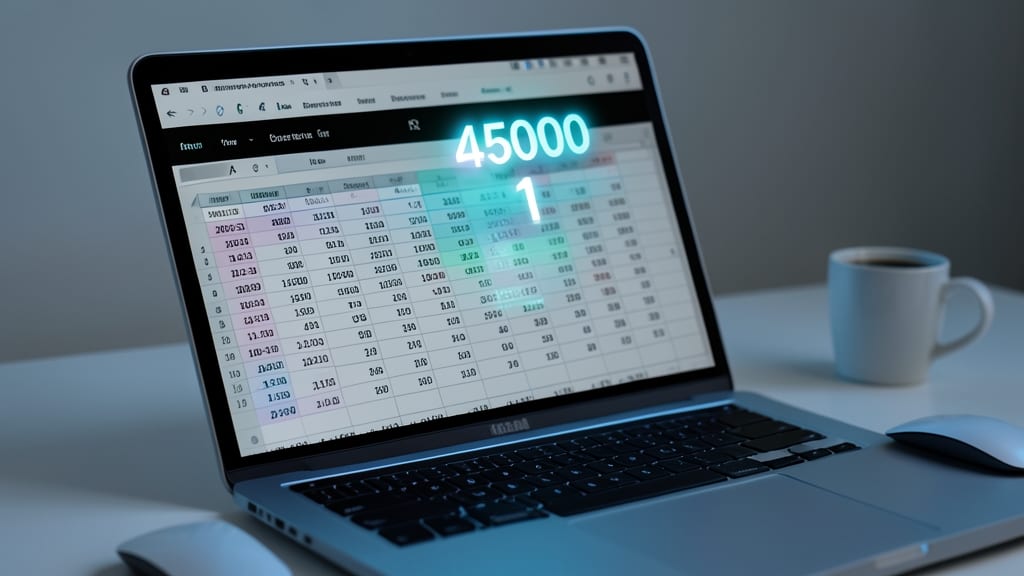
Ever wondered why Excel treats dates like numbers? Behind the scenes, Excel converts every date to a serial number—where January 1, 1900 is 1, and January 1, 2023 becomes 45000. This hidden system lets you perform calculations without manual formatting, like finding the difference between two dates with a simple subtraction.
This approach powers advanced features like dynamic pivot tables and conditional formatting based on dates. For example, =TODAY()-A1 instantly calculates days remaining until a deadline. The system even accounts for leap years automatically, ensuring accuracy across decades. You can also use =DATEVALUE() to convert text dates into serial numbers for further processing.
Accountants, financial analysts, and project managers rely on this system to automate time-based calculations—no plugins or extra steps required. It’s the backbone of Excel’s date intelligence. 💻
24-Hour Military Time Format

When seconds count—literally—24-hour military time (HHMM or HHMMSS) eliminates ambiguity in high-pressure fields like aviation, healthcare, and logistics. Unlike 12-hour formats, it removes "AM/PM" confusion, ensuring every team member reads timestamps identically (e.g., 1430 = 2:30 PM, not 2:30 AM).
This format thrives in mission-critical systems where miscommunication could have severe consequences. For example, an air traffic controller or ER nurse relies on 0800 (8 AM) vs. 080000 (8:00:00 AM) for split-second coordination. Many industries standardize on it to avoid costly errors in scheduling, diagnostics, or operations.
Developers building time-sensitive applications (e.g., shipping trackers, medical devices) should support this format for global compliance. It’s also a favorite in military, law enforcement, and global travel—where clarity trumps convenience. ⚡
JSON Date-Time Format
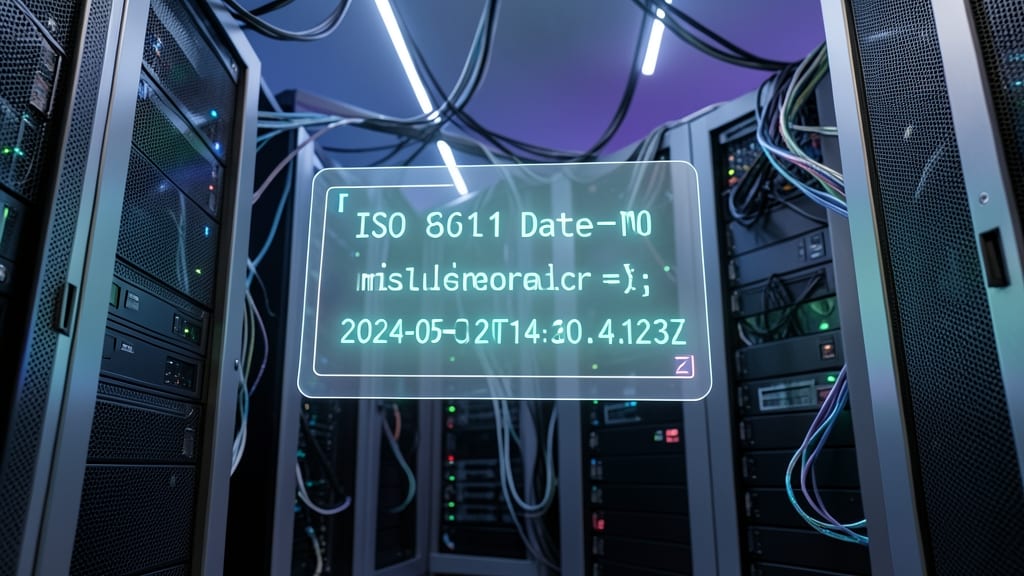
When APIs and NoSQL databases need to exchange time data without ambiguity, the JSON Date-Time Format steps in as the universal translator. Unlike other formats, it combines ISO 8601’s clarity with millisecond precision and explicit timezone handling—critical for distributed systems where clocks aren’t synchronized.
The standard format, 2023-10-15T14:30:00Z, includes:
Tto separate date/timeZfor UTC (or offsets like+05:30)- Optional milliseconds (e.g.,
2023-10-15T14:30:00.123Z)
This ensures parsers in JavaScript, Python, or MongoDB interpret timestamps identically, even across continents.
Developers building REST APIs or working with MongoDB/NoSQL should default to this format—it’s the only one universally supported by modern frameworks without extra parsing logic. ✨
US MM/DD/YYYY vs. European DD/MM/YYYY
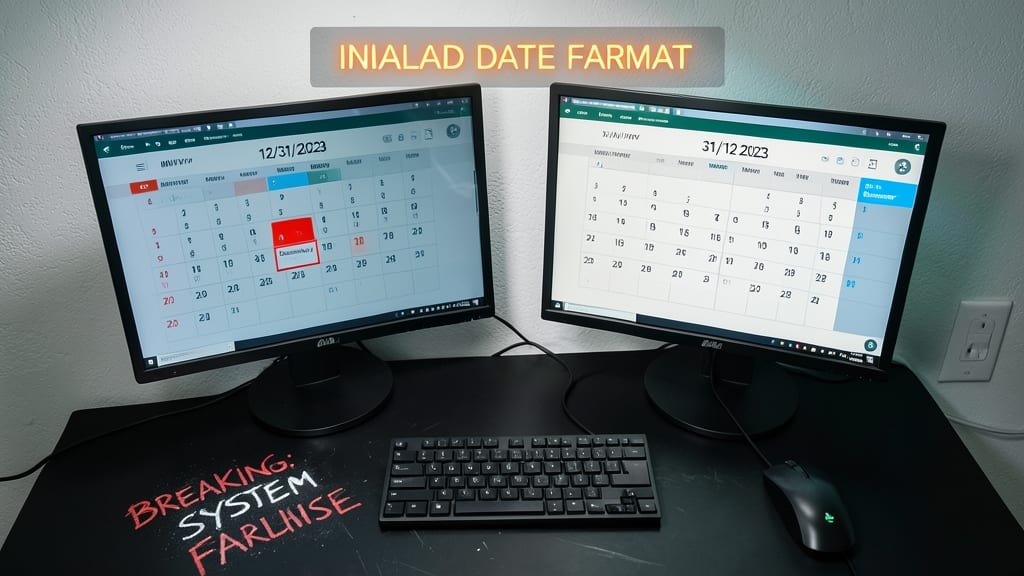
A simple two-letter swap—MM/DD/YYYY vs. DD/MM/YYYY—can turn a bug into a system-wide disaster if ignored. These regional formats aren’t just preferences; they reflect deeply embedded cultural conventions that dictate how millions of users interact with software daily.
The US format (MM/DD/YYYY) prioritizes months first, while the European format (DD/MM/YYYY) flips the order, making "02/03/2023" February 3rd in the US but March 2nd in Europe. This ambiguity forces developers to explicitly validate inputs or risk parsing errors in global applications. Libraries like Moment.js or Intl.DateTimeFormat handle localization automatically, but custom implementations require careful handling of edge cases like leap years or varying month lengths.
For developers building apps with international audiences, these formats underscore why ISO 8601 (YYYY-MM-DD) remains the safest default—unless you’re specifically targeting a single region. Always validate and document your date assumptions! 💡
Custom Localization Formats
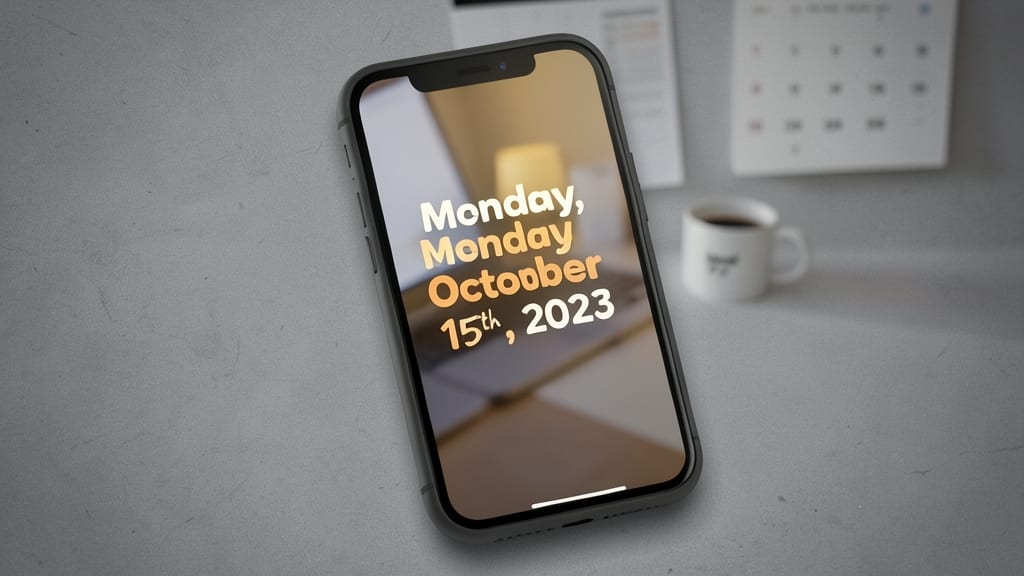
When your app needs to feel human to users, custom localization formats like 'dddd, MMMM Do, YYYY' (e.g., "Monday, October 15th, 2023") bridge the gap between machine precision and natural language. Unlike rigid standards, these formats adapt to cultural preferences—adding ordinal suffixes ("st," "nd," "rd") or weekday names—while keeping the data machine-readable.
Frameworks like JavaScript’s Intl.DateTimeFormat or Python’s strftime make implementation straightforward. For example, '%A, %B %d, %Y' in Python renders the same output, while libraries like React-Intl handle dynamic locale switching. These formats shine in consumer-facing apps where clarity matters more than sorting efficiency.
Perfect for localized SaaS platforms, e-commerce calendars, or regional news apps where users expect dates to read like natural language. 💡