
Tip & Trick
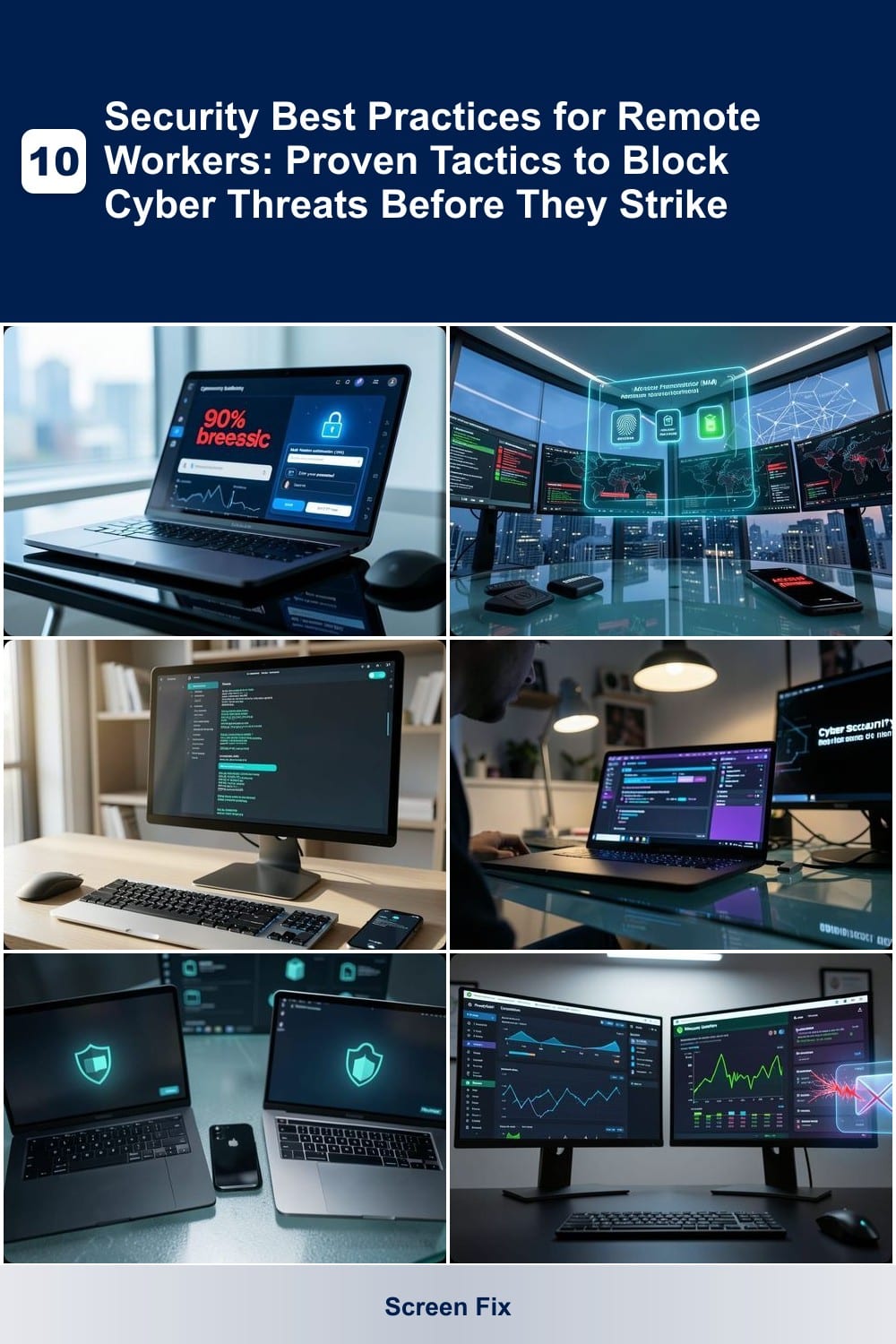
Remote work offers flexibility but exposes you to cyber threats like phishing, malware, and data breaches. These 10 security best practices—backed by cybersecurity experts—will help you defend against attacks before they compromise your work or personal data.
Multi-Factor Authentication for Every Account
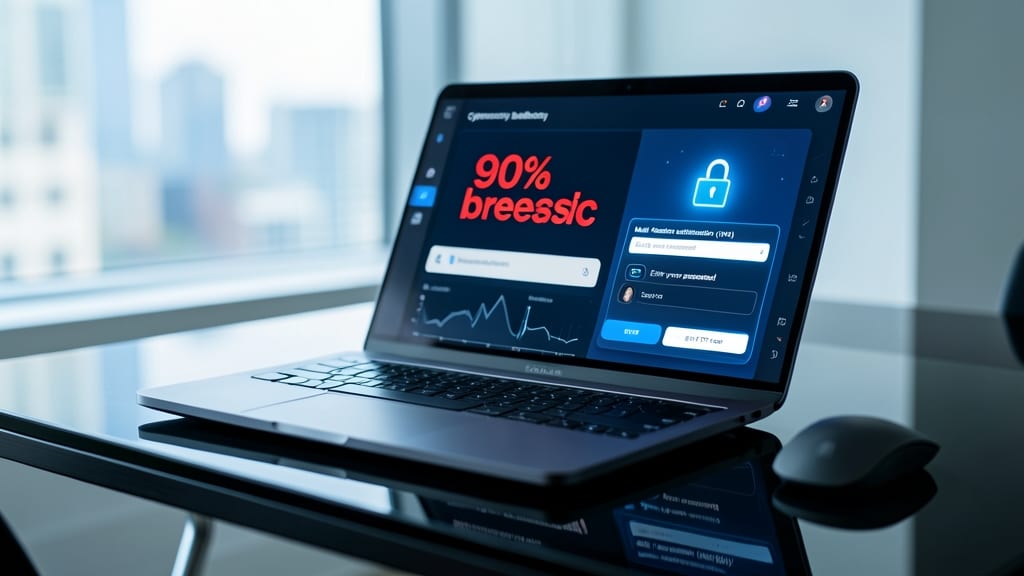
Your password might be strong, but it’s not enough. A staggering 90% of data breaches start with stolen or weak credentials—making multi-factor authentication (MFA) the simplest yet most powerful defense against unauthorized access.
MFA adds a second (or third) verification step beyond passwords, like a one-time code, biometric scan, or hardware token. Services like Google Authenticator, Microsoft Authenticator, or YubiKey make it seamless to enable across work accounts, personal email, and financial services. Even free options like SMS codes (though less secure) are better than nothing.
This is non-negotiable for remote workers—especially if you handle sensitive data. Start with your most critical accounts, then layer MFA across everything to create a defense-in-depth strategy. 💪
Zero-Trust Network Access Policies
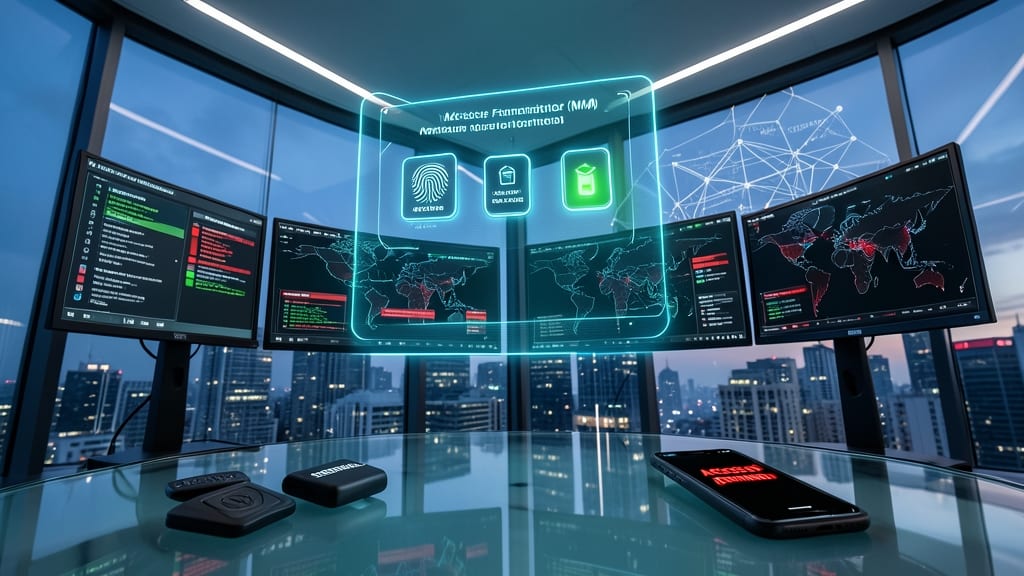
Even if an attacker cracks your password or steals credentials, zero-trust policies ensure they can’t move laterally through your network. Unlike traditional perimeter security, this approach verifies every access request—whether from inside or outside your network—using multi-factor authentication (MFA), device posture checks, and micro-segmentation.
Modern solutions like Microsoft Azure AD Conditional Access or Cisco Secure Firewall enforce granular rules: only approved devices with up-to-date antivirus and encryption can access resources. If a hacker compromises one device, they’re blocked from reaching other systems. This “never trust, always verify” model is now a NIST-recommended standard for remote work security. 💻
Ideal for businesses with hybrid teams, zero-trust policies are also critical for freelancers handling sensitive client data. Start by implementing VPN-as-a-service and endpoint detection tools to create your first trust layer. ✨
Secure Password Manager with Biometrics
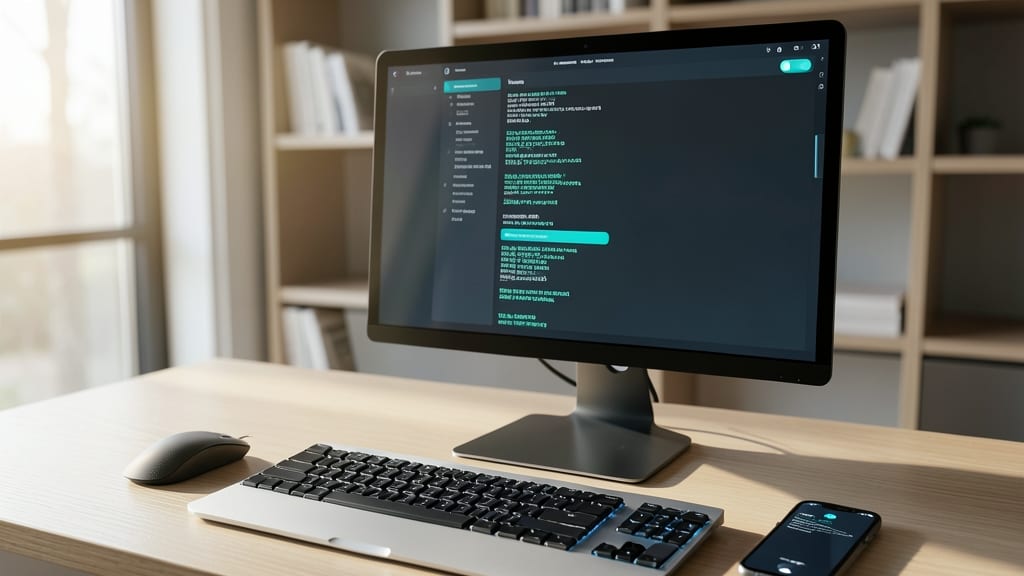
Tired of reusing the same weak passwords across accounts? A biometric-enabled password manager like Bitwarden or 1Password eliminates this risk by auto-generating and storing 256-bit encrypted credentials—while your fingerprint or face unlocks the vault.
These tools sync across devices with end-to-end encryption, ensuring even if your laptop is stolen, your passwords remain locked behind biometric verification. Features like secure sharing (with expiration dates) and breach monitoring alert you if a stored password is exposed in a data leak.
Perfect for remote workers juggling work and personal accounts—no more sticky notes or browser-saved passwords. 💻
Endpoint Detection and Response Tools
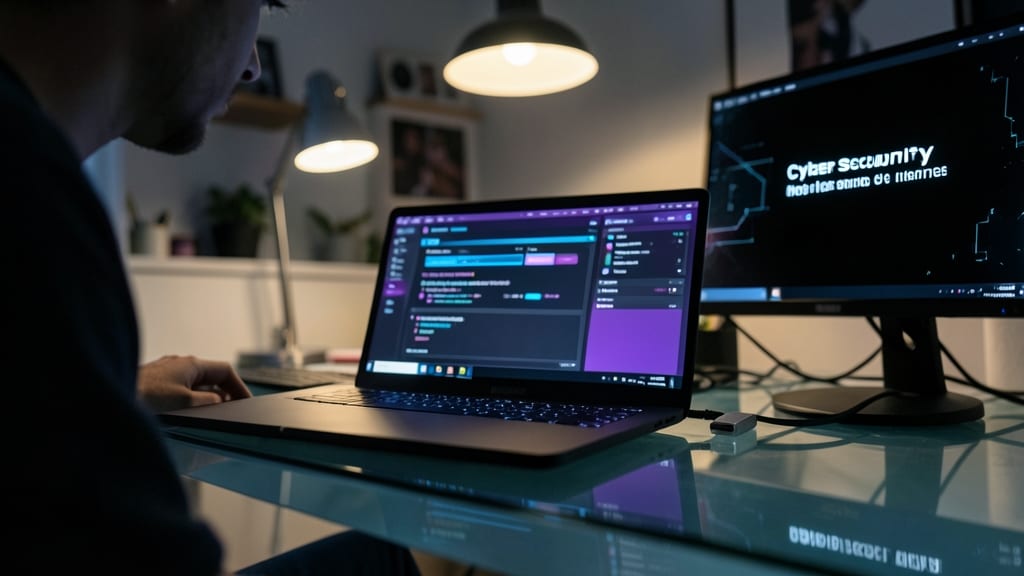
Advanced threats like ransomware and fileless malware don’t just target corporate networks—they silently lurk on your home laptop or workstation too. That’s where Endpoint Detection and Response (EDR) tools come in, acting like a silent security guard for every device in your remote setup.
Modern EDR solutions like CrowdStrike Falcon or SentinelOne deploy lightweight agents that run in the background without slowing down performance. They monitor for suspicious behavior—like unauthorized process execution or lateral movement—then isolate infected devices before threats spread. Many even offer automated response to known ransomware families, reducing recovery time from days to minutes.
This is a game-changer for remote workers handling sensitive data, as it bridges the gap between traditional antivirus and full-scale SOC monitoring. 💻
Device Encryption for Laptops and Phones
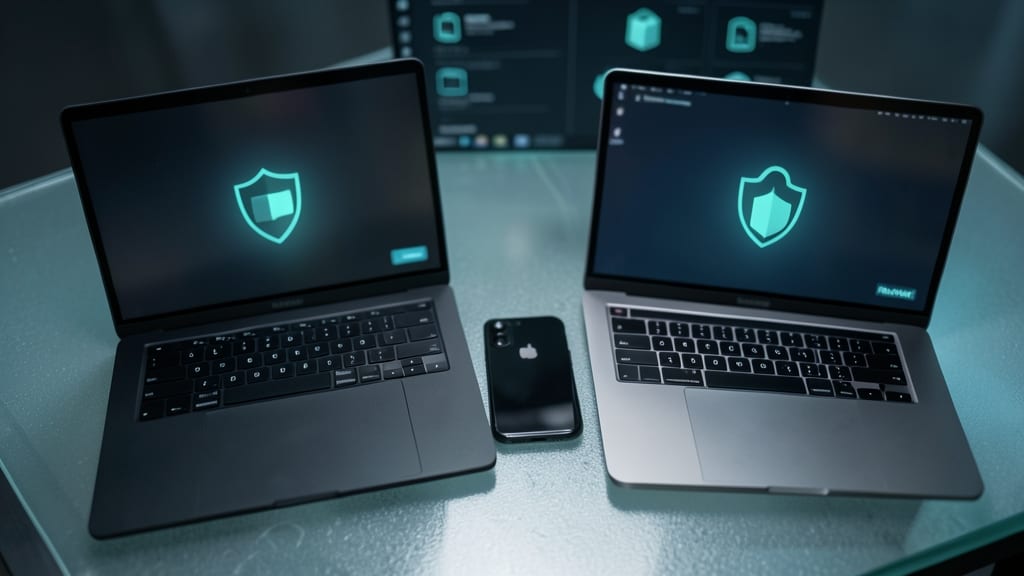
Your laptop or phone could be the weakest link in your security chain—even if you’ve locked down every account. Full-disk encryption (like BitLocker for Windows or FileVault for Mac) ensures that all your data—files, emails, and apps—stays locked down with military-grade security, even if your device falls into the wrong hands.
Most modern devices come with encryption pre-installed but disabled. BitLocker uses AES-256 encryption (the same standard used by governments), while FileVault integrates seamlessly with macOS. Both require a passcode to unlock, and recovery keys act as a backup if you forget it. The best part? It runs in the background with zero performance impact, so your device stays fast while your data stays safe.
This is non-negotiable for anyone handling sensitive work, financial data, or personal privacy. Freelancers, contractors, and even casual users should enable it—because a lost or stolen device without encryption is like leaving your front door unlocked. ✨
Phishing-Resistant Email Security Gateways
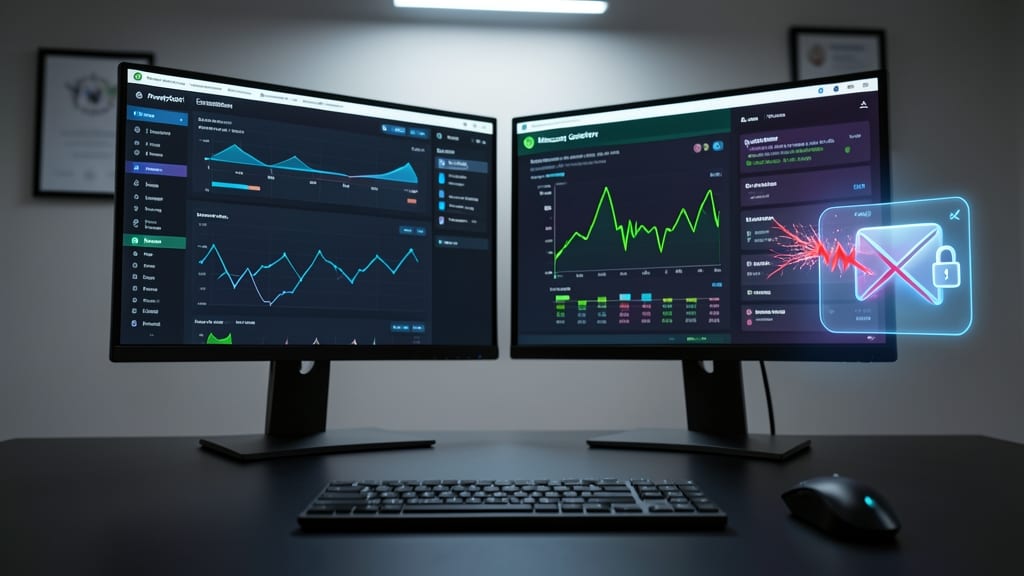
Your inbox is the #1 attack vector for cybercriminals, but AI-powered email security gateways like Proofpoint Essentials or Mimecast can block 90% of phishing attempts before they land in your inbox. These tools don’t just rely on keyword filters—they analyze sender reputation, URL safety in real-time, and even inspect attachments for malware or data exfiltration patterns.
Look for solutions with machine learning models that adapt to new threats daily, plus automated quarantine for suspicious emails. Some even offer dark web monitoring to alert you if your credentials appear in breach databases. The best part? Most integrate seamlessly with Microsoft 365 or Google Workspace, requiring zero config on your end.
Remote workers, freelancers, and small business owners handling sensitive client data will see the biggest payoff—these gateways reduce the risk of costly breaches without adding complexity. 💪
Secure Wi-Fi with VPN on Public Networks
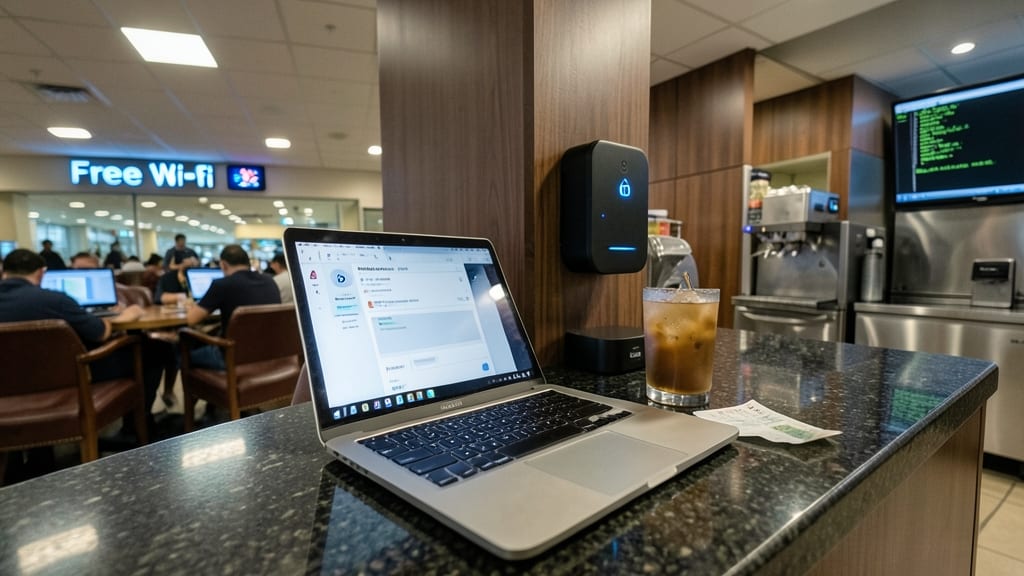
Public Wi-Fi networks at airports, cafes, or hotels are convenient—but also prime targets for hackers. A VPN (Virtual Private Network) creates an encrypted tunnel for your data, making it nearly impossible for attackers to intercept sensitive work emails, logins, or financial transactions.
Look for providers with military-grade AES-256 encryption, no-logs policies, and servers in multiple countries for speed. Services like NordVPN, ExpressVPN, or ProtonVPN offer user-friendly apps that auto-connect to secure servers, blocking snoops even on unsecured networks. Always enable the kill switch feature to cut internet access if the VPN drops unexpectedly.
Remote workers, freelancers, and travelers should prioritize VPNs—especially when accessing company resources. It’s the simplest way to turn a hacker’s playground into a secure digital fortress. ✨
Regular Software Updates and Patch Management
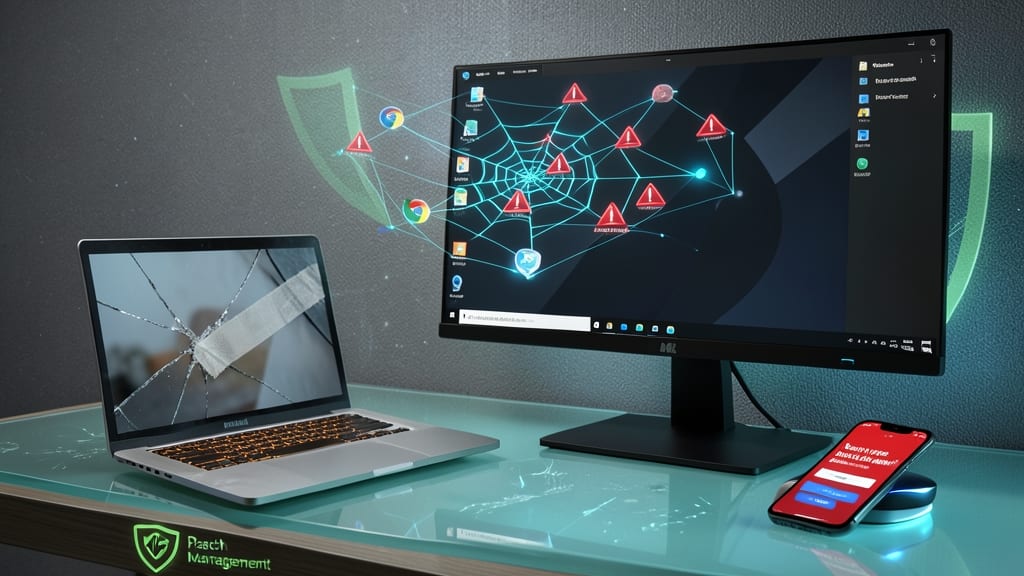
Did you know that 60% of cyberattacks exploit known vulnerabilities left unpatched? Automating updates for your OS, browsers, and apps is the simplest yet most overlooked way to block attackers before they strike.
Most operating systems and security tools now offer automatic patch management—Windows Update, macOS Software Update, and tools like Patch Management (WSUS, SCCM) for businesses. Enable these features to close security gaps in under 24 hours, often without manual intervention. Even third-party apps (like browsers, PDF readers, and messaging tools) release critical fixes—set them to update automatically to stay protected.
This practice is a must for remote workers handling sensitive data, freelancers with mixed personal/professional devices, or anyone who wants zero-effort security. Set it up once, and let technology handle the rest. ✨
Secure File Sharing with End-to-End Encryption
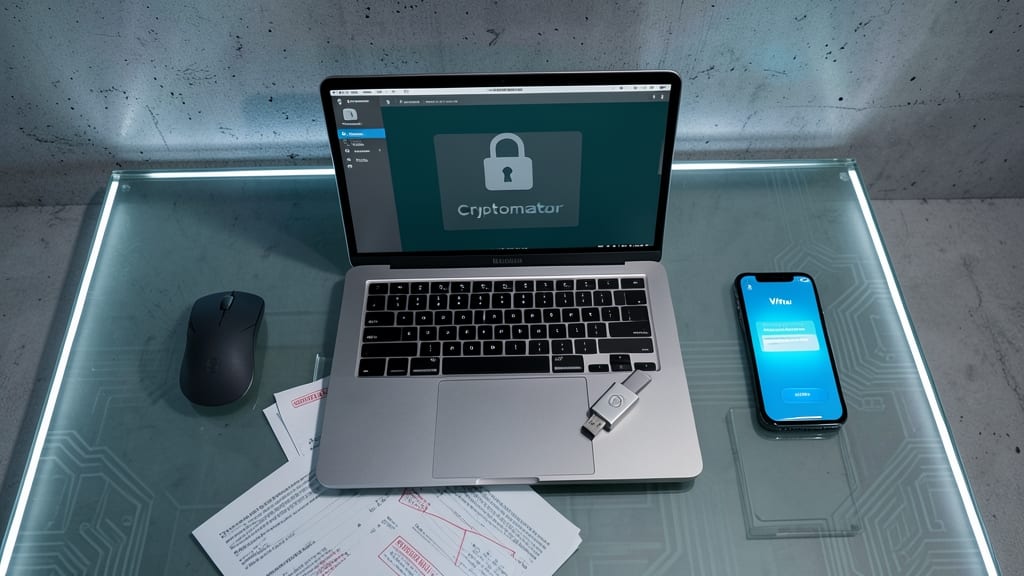
Tired of sending sensitive files through unsecured email or basic cloud drives? Tools like Cryptomator and Virtru offer end-to-end encryption that locks files before they leave your device—no one, not even the service provider, can read them.
With zero-knowledge encryption, files auto-revoke access after download, eliminating accidental leaks. Features like password-protected links and expiration timers ensure files disappear after a set time. Both tools integrate seamlessly with Google Drive, Dropbox, and OneDrive, so you don’t need to change workflows—just add a layer of security.
Perfect for freelancers, legal teams, or anyone sharing contracts, HR docs, or financial data. No more worrying about exposed files—just peace of mind. ✨
Cybersecurity Awareness Training Simulations
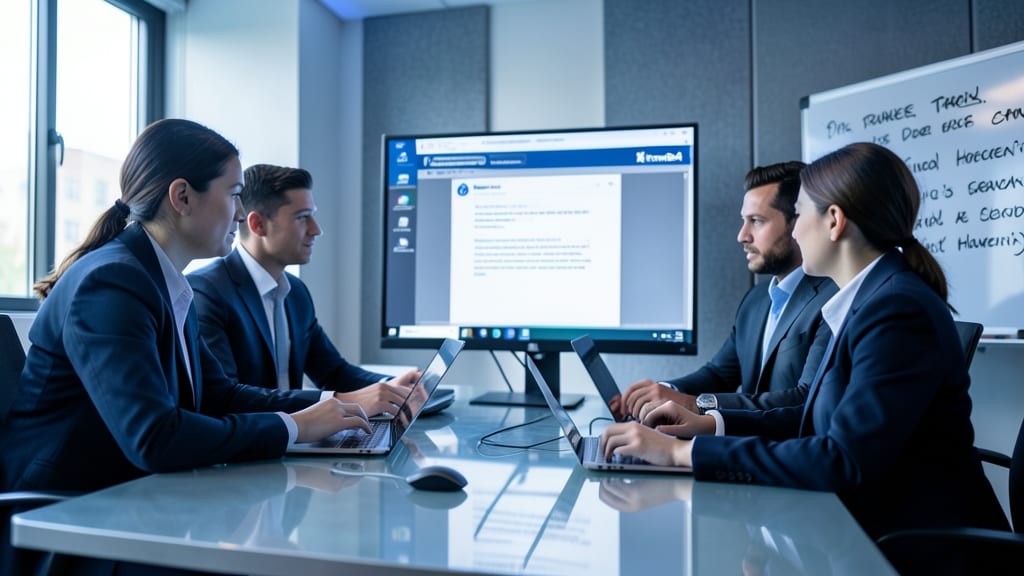
Your strongest defense against cyber threats isn’t just firewalls or encryption—it’s your team’s ability to recognize danger. Cybersecurity awareness training simulations turn employees into human firewalls by exposing them to realistic phishing attacks in a safe environment.
Platforms like KnowBe4 or PhishMe deliver quarterly simulations with customizable scenarios (fake invoices, urgent login prompts) that adapt based on employee performance. Post-test reports show which teams need extra training, and automated reminders keep security top of mind. Studies prove these programs reduce phishing clicks by up to 70% within six months.
Perfect for remote teams where human error is the #1 risk factor—especially those handling sensitive data. Start with a pilot program to measure impact before rolling out company-wide. ✨