My first computer was a hand-me-down 486 with a floppy drive that always ate disks. I spent more time staring at the blinking cursor than actually using it, but that curiosity never faded. Now, I run Screen Fix to help people navigate the ever-changing world of tech—whether it’s troubleshooting a stubborn PC, mastering a new tool, or just figuring out why your printer won’t stop jamming. I believe tech should feel approachable, not intimidating, and I’m here to make it that way.
💥 Quick Answer To find reuse slides in PowerPoint, check the Slides Pane under the Reuse Slides tab (right-click a slide > Reuse Slides ), or import slides via the Insert tab > Slides from Files . Your saved templates…
💥 Quick Answer The Drawing Tools Format tab in PowerPoint appears only after selecting a shape, text box, or object, replacing the Home tab temporarily with formatting options like Shape Styles, Shape Outline, and Shape…
💥 Quick Answer To find the page setup dialog box in Outlook, navigate through File > Print > Page Setup on Windows or Outlook > Print > Page Setup on Mac. You can also open it quickly by pressing Ctrl + P , then…
💥 Quick Answer The Present button in PowerPoint is located in the Slide Show tab under the 'Start Slide Show' section, labeled 'From Beginning' or 'From Current Slide.' In older versions, it may appear as 'View Show' in…
💥 Quick Answer The slide navigation pane in PowerPoint is located on the left side of the screen by default, displaying thumbnails of all your slides. If it's not visible, you can quickly restore it by pressing Ctrl +…
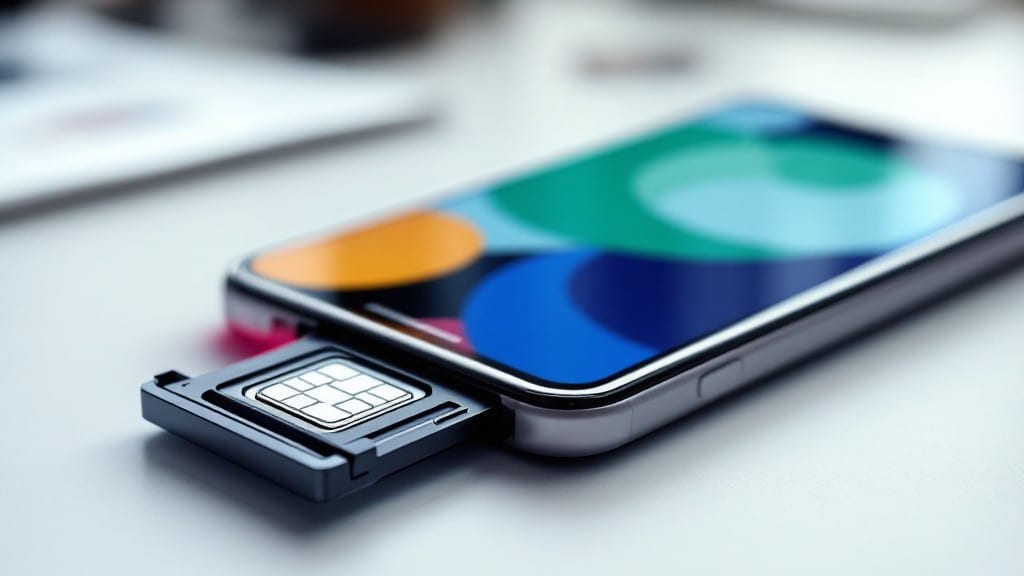
💥 Quick Answer To find your carrier QR code, look inside your phone’s SIM card tray, check carrier app settings, or scan the QR code from your mobile provider’s website or customer support portal. Some devices even…
Why are my attachments not downloading—and it’s happening at the worst possible moment. ✨ I’ve spent hours tracking down why this glitch occurs, from hidden client settings to sneaky server blocks, and the fixes are…
Why do my Xbox games have the caution symbol? 💥 Quick Answer: When your Xbox games show it, Microsoft has detected underlying issues like corrupted game files, outdated system software, or compatibility conflicts…
Why is my Microsoft Office not installing—here’s how to troubleshoot the frustrating glitch. I’ve spent hours debugging this exact issue—often it’s not the software itself but sneaky permission conflicts or hidden system…
💥 Quick Answer When only half your RAM appears usable, it’s usually caused by memory module mismatches, disabled slots, or BIOS/UEFI restrictions. Verify motherboard compatibility, activate all RAM slots, and update…