Skip to content
Screen Fix

Screen Fix

  • All Articles
  • App
  • Coding
  • Excel
  • More
    • Hardware
    • Microsoft Office
    • Operating System
    • Outlook
    • PowerPoint
    • Review
    • Software
    • Tip & Trick
    • Troubleshooting
    • Windows

All Recipes — Page 27

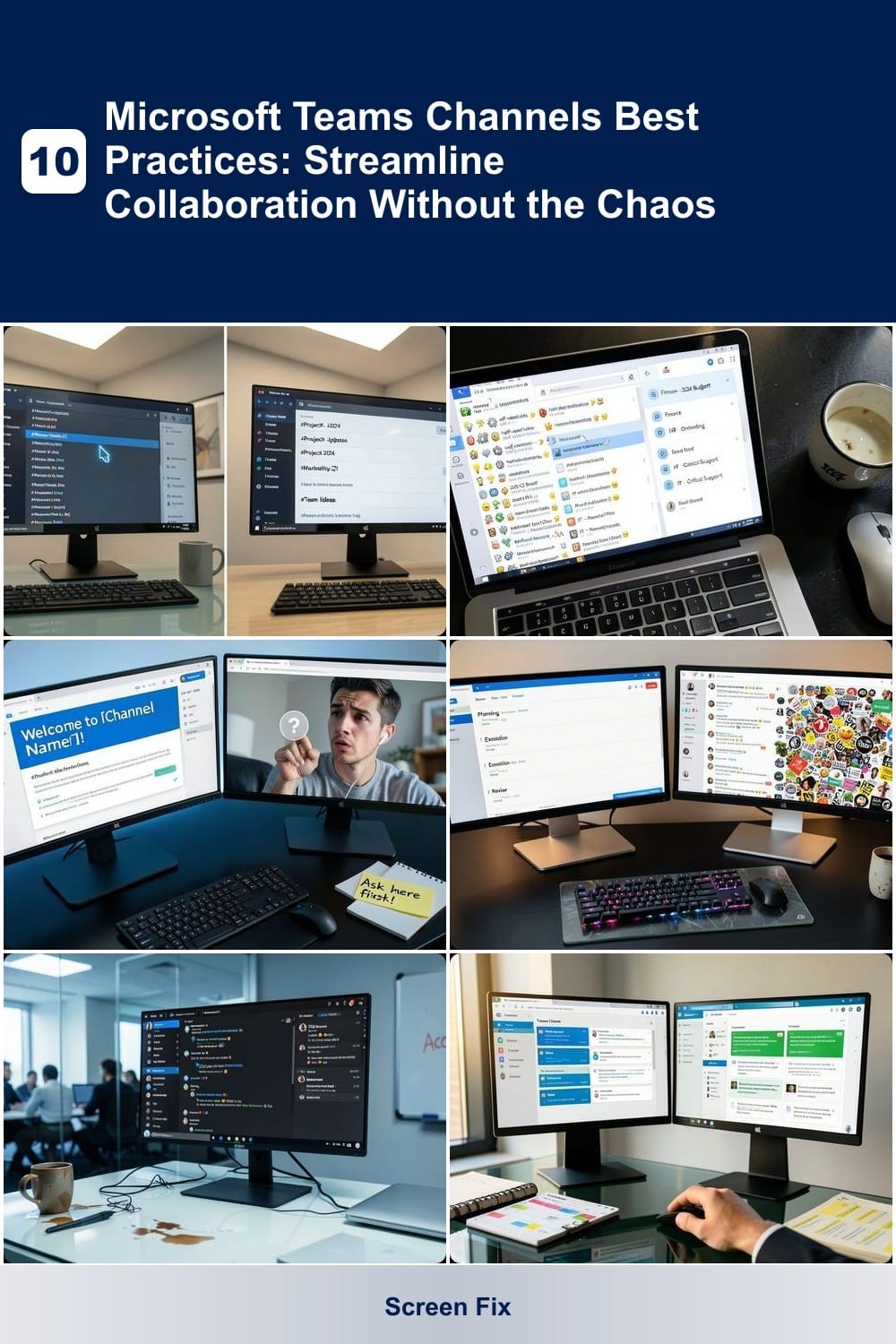
10 Microsoft Teams Channels Best Practices: Streamline Collaboration Without the Chaos
October 26, 2026 by Stanley Rasmussen
10 Microsoft Teams Channels Best Practices: Streamline Collaboration Without the Chaos

Microsoft Teams channels can become cluttered or confusing if not managed properly. These ten best practices will help your team stay organized, boost productivity, and keep communication flowing smoothly without the…
Read more

Categories Software

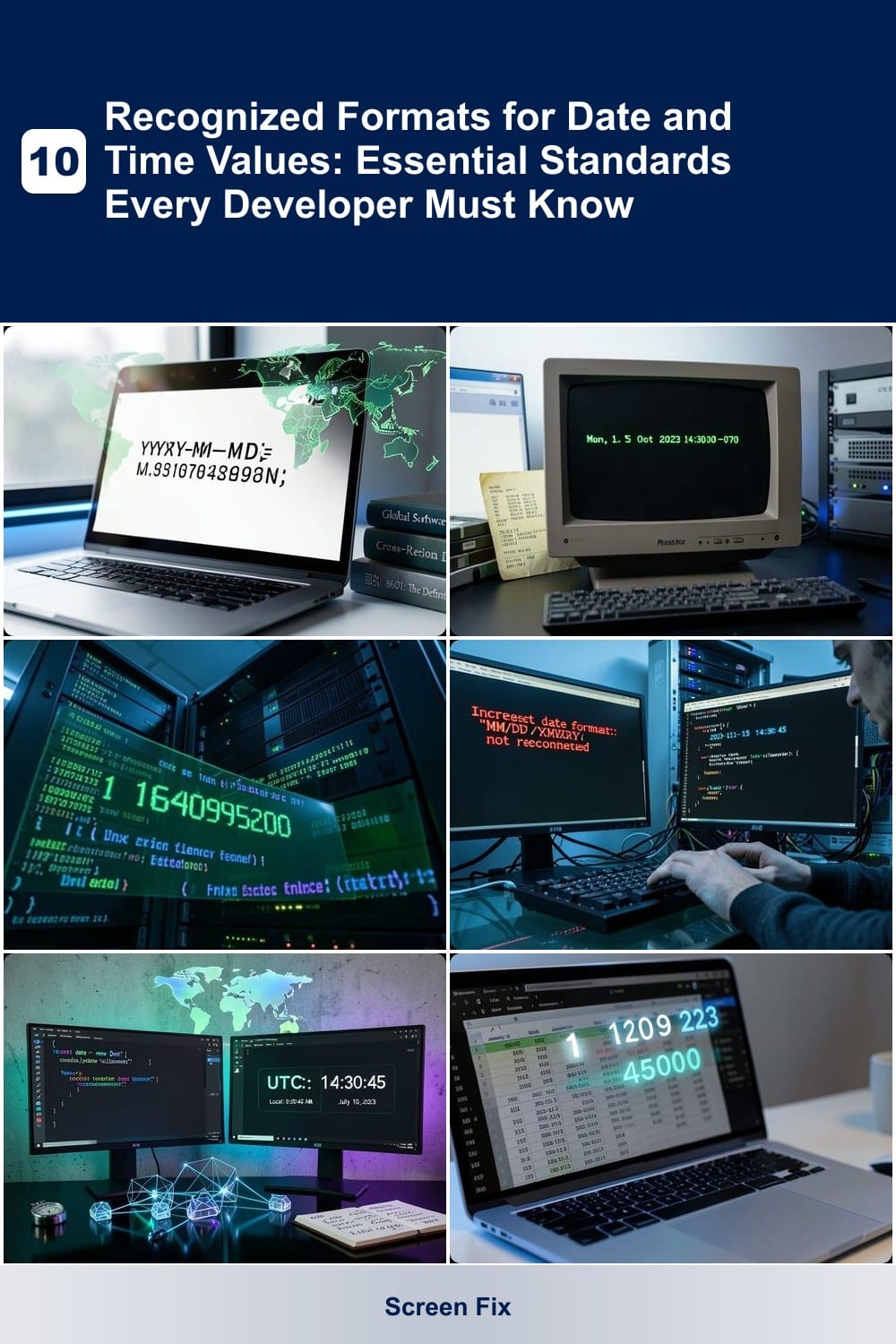
10 Recognized Formats for Date and Time Values: Essential Standards Every Developer Must Know

October 26, 2026 by Stanley Rasmussen
10 Recognized Formats for Date and Time Values: Essential Standards Every Developer Must Know

Working with dates and times across systems requires precision. These 10 globally recognized formats ensure compatibility in databases, APIs, and applications, saving developers hours of debugging and cross-platform…

Read more

Categories Software

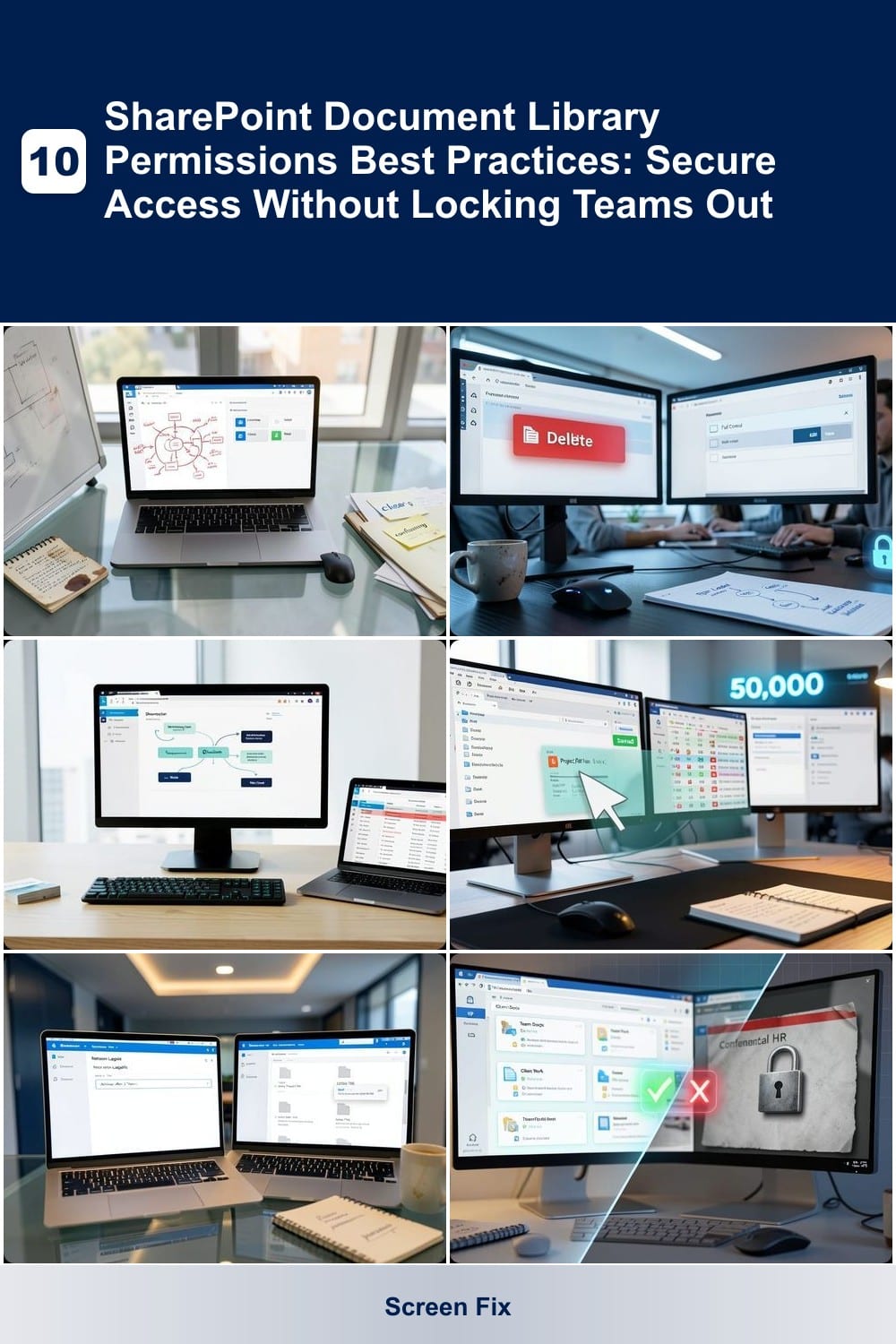
10 SharePoint Document Library Permissions Best Practices: Secure Access Without Locking Teams Out

October 26, 2026 by Stanley Rasmussen
10 SharePoint Document Library Permissions Best Practices: Secure Access Without Locking Teams Out

Managing SharePoint document library permissions can be tricky—too restrictive and teams struggle, too open and security risks grow. These 10 best practices help balance access control with collaboration efficiency while…

Read more

Categories Software

Teams Emojis That Interact with Each Other: Boost Team Chat Engagement Instantly

October 26, 2026 by Stanley Rasmussen
Teams Emojis That Interact with Each Other: Boost Team Chat Engagement Instantly

Microsoft Teams emojis aren’t just static icons—they’re powerful tools to make your team chats more dynamic and engaging. These interactive emoji combinations can simplify feedback, celebrate wins, and streamline…

Read more

Categories Software

List of Companies Using Microsoft Dynamics Nav: Top Businesses Transforming Operations With This ERP Powerhouse

October 17, 2026 by Stanley Rasmussen
List of Companies Using Microsoft Dynamics Nav: Top Businesses Transforming Operations With This ERP Powerhouse

Microsoft Dynamics NAV remains a top choice for businesses seeking streamlined financial management and supply chain optimization. These seven companies showcase how diverse industries leverage NAV to drive efficiency…

Read more

Categories Software

10 Security Best Practices for Remote Workers: Proven Tactics to Block Cyber Threats Before They Strike

October 17, 2026 by Stanley Rasmussen
10 Security Best Practices for Remote Workers: Proven Tactics to Block Cyber Threats Before They Strike

Remote work offers flexibility but exposes you to cyber threats like phishing, malware, and data breaches. These 10 security best practices—backed by cybersecurity experts—will help you defend against attacks before they…

Read more

Categories Tip & Trick

Windows 10/11 Enterprise E3: Key Features and Licensing Breakdown for IT Admins

October 17, 2026 by Stanley Rasmussen
Windows 10/11 Enterprise E3: Key Features and Licensing Breakdown for IT Admins

Windows 10/11 Enterprise E3 delivers the security and management tools your business needs without the E5 price tag—think BitLocker encryption, advanced threat protection, and cloud-based device control. But here’s the…

Read more

Categories Windows

Additional Free Space Is Needed on the Drive Where Windows Is Installed: Free Up Storage for Smooth Performance

October 15, 2026 by Stanley Rasmussen
Additional Free Space Is Needed on the Drive Where Windows Is Installed: Free Up Storage for Smooth Performance

Before Windows can update or run smoothly, additional free space is needed on the drive where it is installed —and when it suddenly demands more, it’s often a sign of deeper issues. ⚡ Five years at that small IT firm…

Read more

Categories Windows

Can You Use Google Authenticator for Microsoft Account: Cross-Platform Setup Guide

October 15, 2026 by Stanley Rasmussen
Can You Use Google Authenticator for Microsoft Account: Cross-Platform Setup Guide

You can use Google Authenticator for a Microsoft account, but Microsoft recommends its own Authenticator app for seamless integration with its two-factor authentication system. You’ll need to enable 2FA in your account…

Read more

Categories Troubleshooting

Computer Power Log Download Windows 7: Hidden Log Locations You Can Access Now

October 15, 2026 by Stanley Rasmussen
Computer Power Log Download Windows 7: Hidden Log Locations You Can Access Now

Downloading your Windows 7 computer power logs is the first step to diagnosing sudden shutdowns, battery drain, or sleep-state failures—tools like Event Viewer and Powercfg hold the answers. Struggling with a PC that…

Read more

Categories Windows
Page1…Page25Page26Page27Page28Page29…Page56Next →

About Me

Stanley Rasmussen

Stanley Rasmussen
My first computer was a hand-me-down 486 with a floppy drive that always ate disks. I spent more time staring at the blinking cursor than actually using it, but that curiosity never faded. Now, I run Screen Fix to help people navigate the ever-changing world of tech—whether it’s troubleshooting a stubborn PC, mastering a new tool, or just figuring out why your printer won’t stop jamming. I believe tech should feel approachable, not intimidating, and I’m here to make it that way.

Learn more

Recent Posts

  • Text Color Change Tutorial: Instant Styling for Any Platform
    Text Color Change Tutorial: Instant Styling for Any Platform
  • Windows 7 Program Won’t Uninstall: Forced Removal Without Lingering Files
    Windows 7 Program Won’t Uninstall: Forced Removal Without Lingering Files
  • Internet Explorer Download for Windows 10: Direct Offline Installer Guide
    Internet Explorer Download for Windows 10: Direct Offline Installer Guide
  • How to Automatically Download Outlook Pictures: One-Click Save for Every Email Attachment
    How to Automatically Download Outlook Pictures: One-Click Save for Every Email Attachment
  • How to Download Music to My Windows Phone: Legal Loopholes for DRM-Free Playlists
    How to Download Music to My Windows Phone: Legal Loopholes for DRM-Free Playlists
  • All Guides
  • About
  • Contact
  • Privacy Policy
  • Cookie Policy
  • Terms of Use
© 2026 screenfix.click